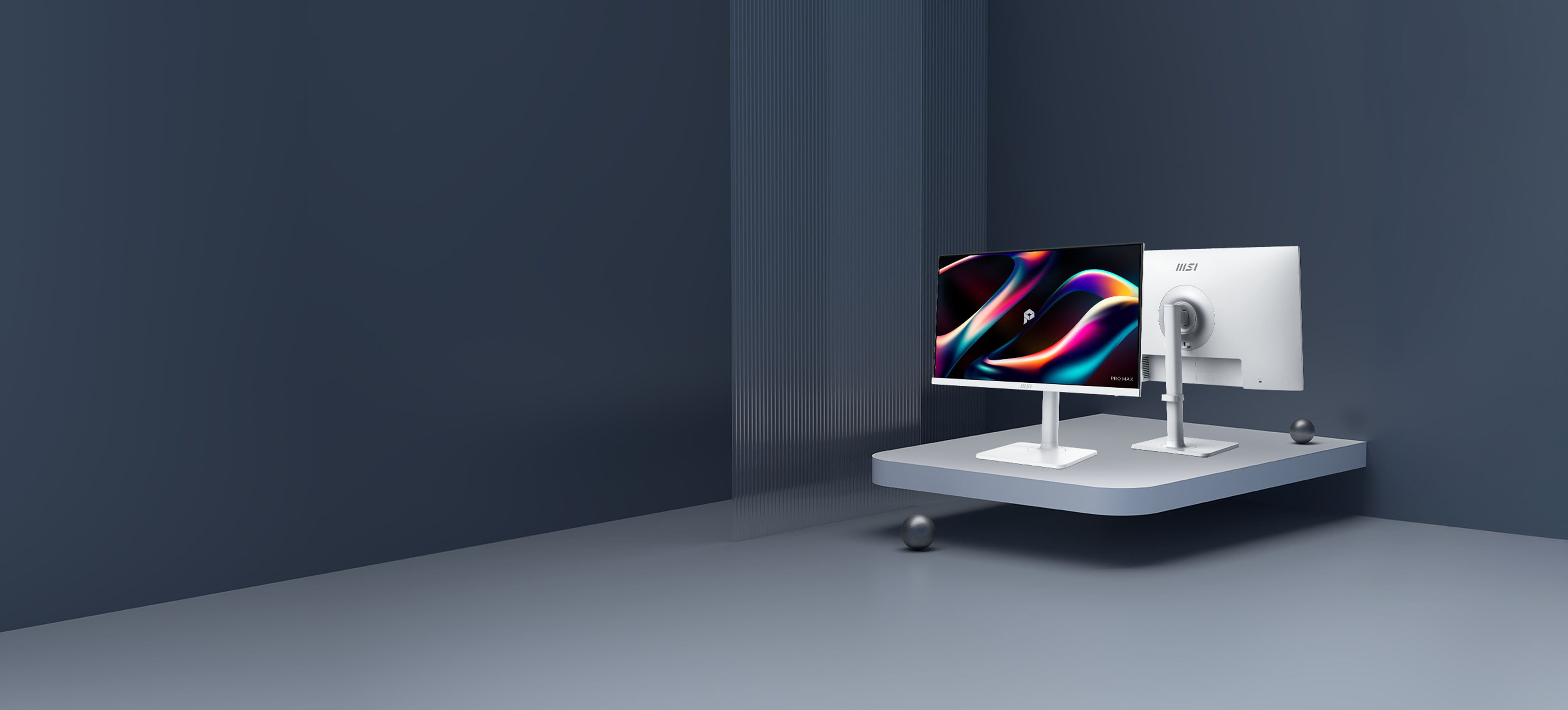

Lihat lebih jauh. Pimpin lebih jauh.
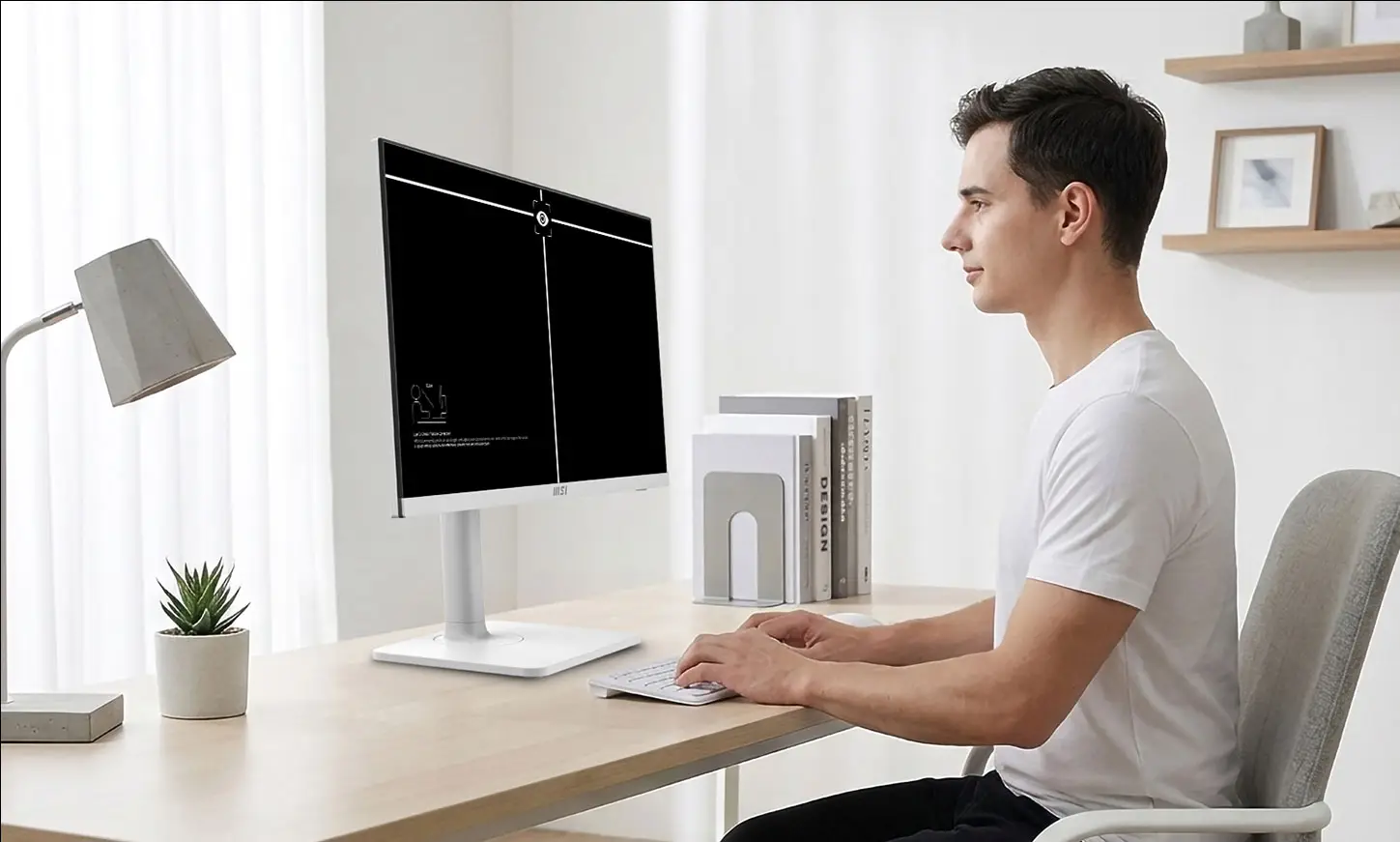
Ilmu di balik fokus. Dibangun berdasarkan ilmu cahaya alami, layar PRO MAX 241PHW E14 kami menghadirkan pengalaman visual yang lebih nyaman berkat teknologi EyeErgo+. Dengan menggabungkan Polarizer Sirkular dan perangkat lunak cerdas, kami telah merancang sebuah studio yang siap menemani Anda sepanjang hari—sehingga penglihatan Anda tetap tajam layaknya ambisi Anda.

Circular Polarizer
Type-C
65w PD

KVM
PRO MAX
MSI PRO MAX establishes a calm and structured visual order, delivers instant response without disruption, and maintains a predictable rhythm throughout everyday workflows. From desk work to meetings, and from fixed setups to mobile work, the experience remains smooth and consistent. When inspiration arrives and focus is sustained, perspective naturally extends toward the edge of possibility.

EyesErgo+: Era Baru Perawatan Mata
Mendefinisikan Ulang Kenyamanan Visual
Kenyamanan Murni, Warna Asli. Didukung oleh teknologi SpiraLume, MSI EyesErgo+ meniru cahaya alami untuk mengurangi kelelahan mata. Lindungi mata Anda tanpa mengorbankan akurasi warna—dirancang untuk kenyamanan sepanjang hari.
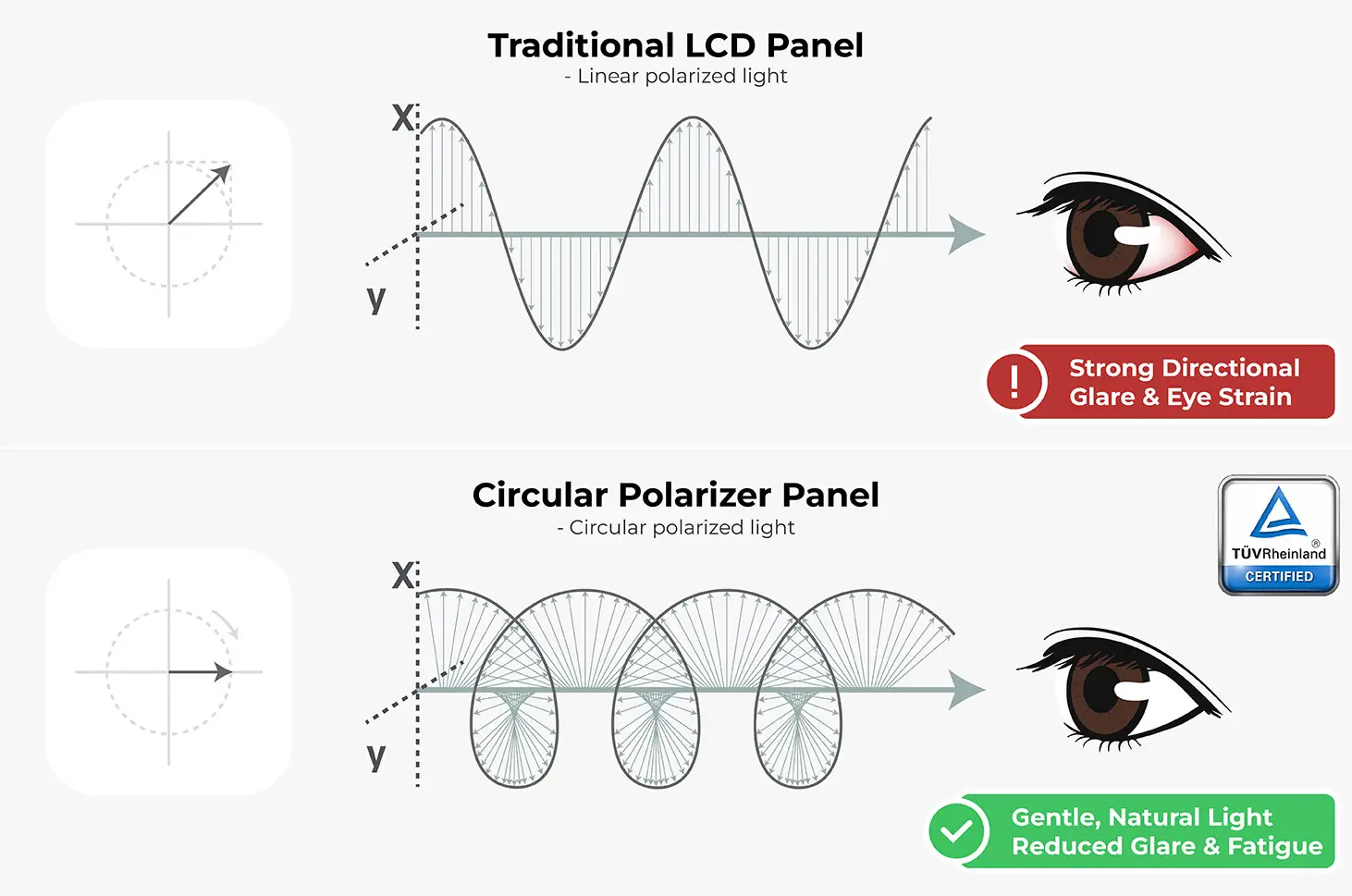
Polarisator Sirkular
Mengubah sinar digital yang menyilaukan menjadi cahaya lembut yang terpolarisasi secara alami untuk mencegah kelelahan mata dan memaksimalkan kenyamanan penglihatan.
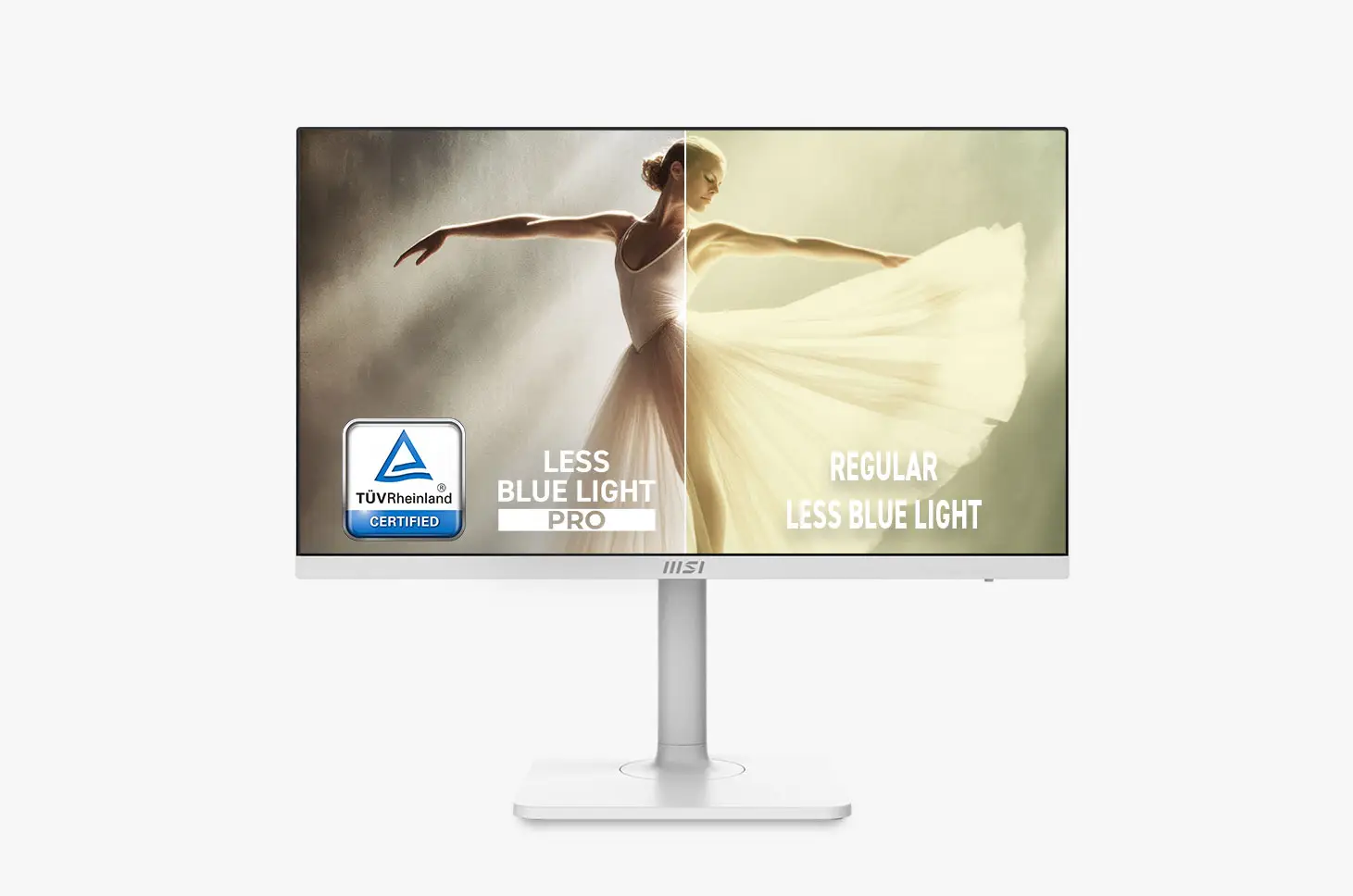
Less Blue Light PRO
Less Blue Light PRO yang bersertifikat TÜV melindungi mata Anda dari sinar biru berenergi tinggi sekaligus mempertahankan warna yang cerah dan berkualitas profesional.

Anti-Flicker
Atasi kelelahan mata dengan teknologi Anti-Flicker bersertifikasi TÜV, yang menjamin pengalaman menonton yang lancar, stabil, dan nyaman sepanjang hari.
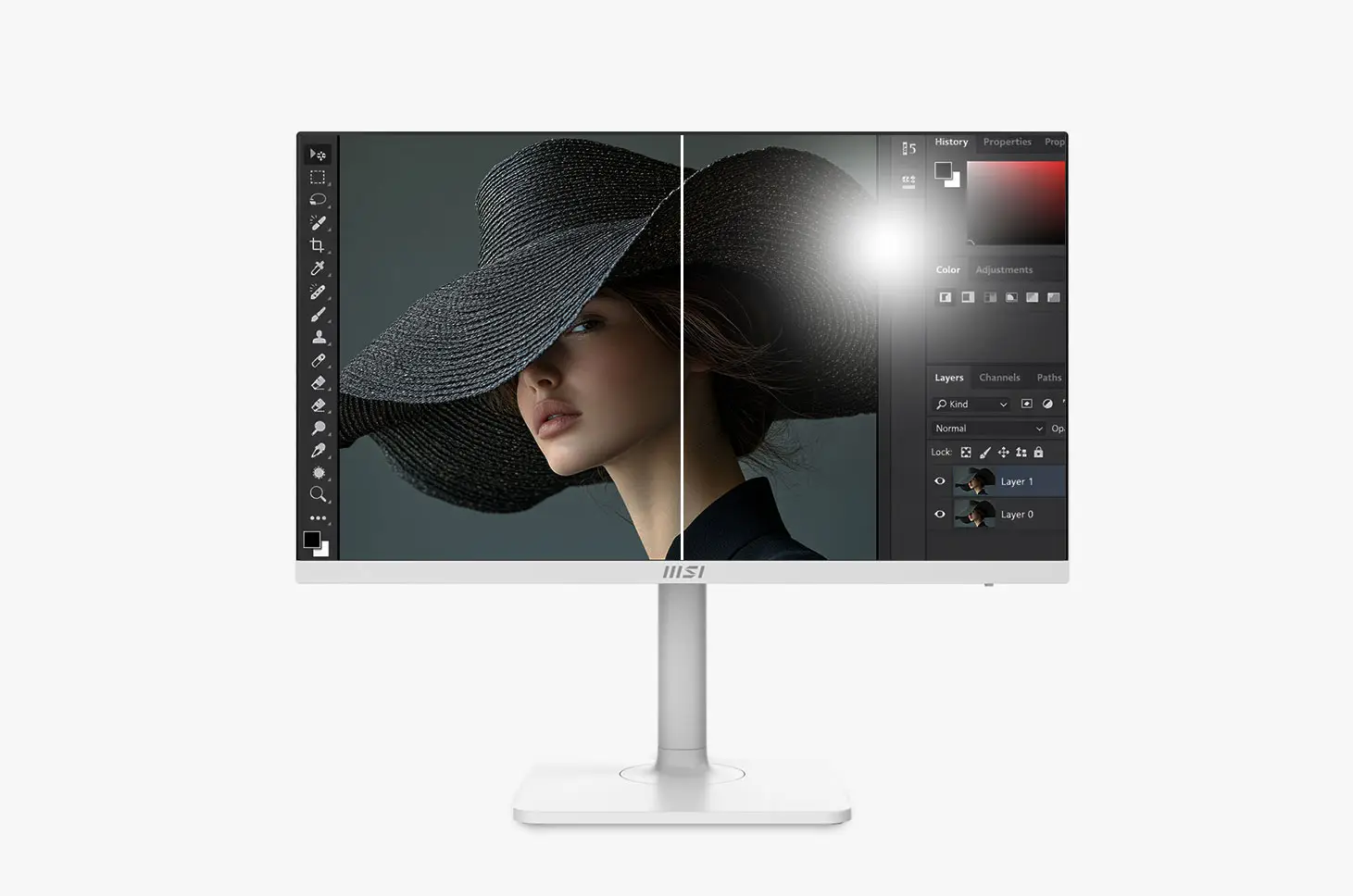
Anti-Glare
Mengurangi pantulan yang mengganggu untuk memastikan pandangan yang jernih dan nyaman dalam kondisi pencahayaan apa pun.

Eye-Q Check
Alat penilaian mandiri bawaan dan pengingat cerdas membantu Anda memantau dan mempertahankan kebiasaan yang baik untuk kesehatan mata.
Circular Polarizer
Circular Polarization technology transforms harsh screen output into gentle waves
that mimic natural daylight, eliminating digital glare for ultimate comfort.
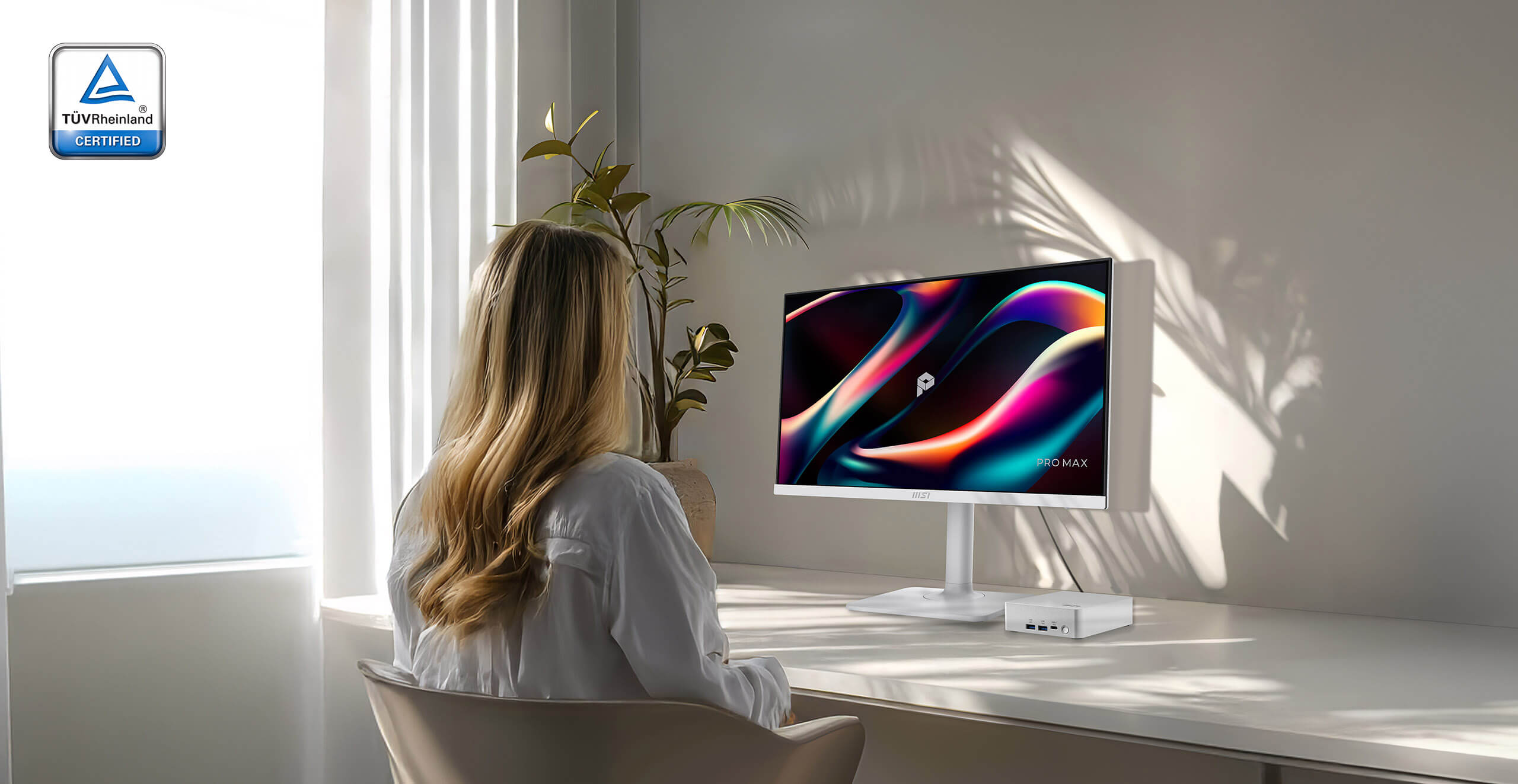
Beat the 3 PM Slump
That dry, tired sensation? It’s your eyes working overtime to handle unnatural screen light. We designed our display to behave like natural sunlight, relieving that tension so you can work longer without the strain.



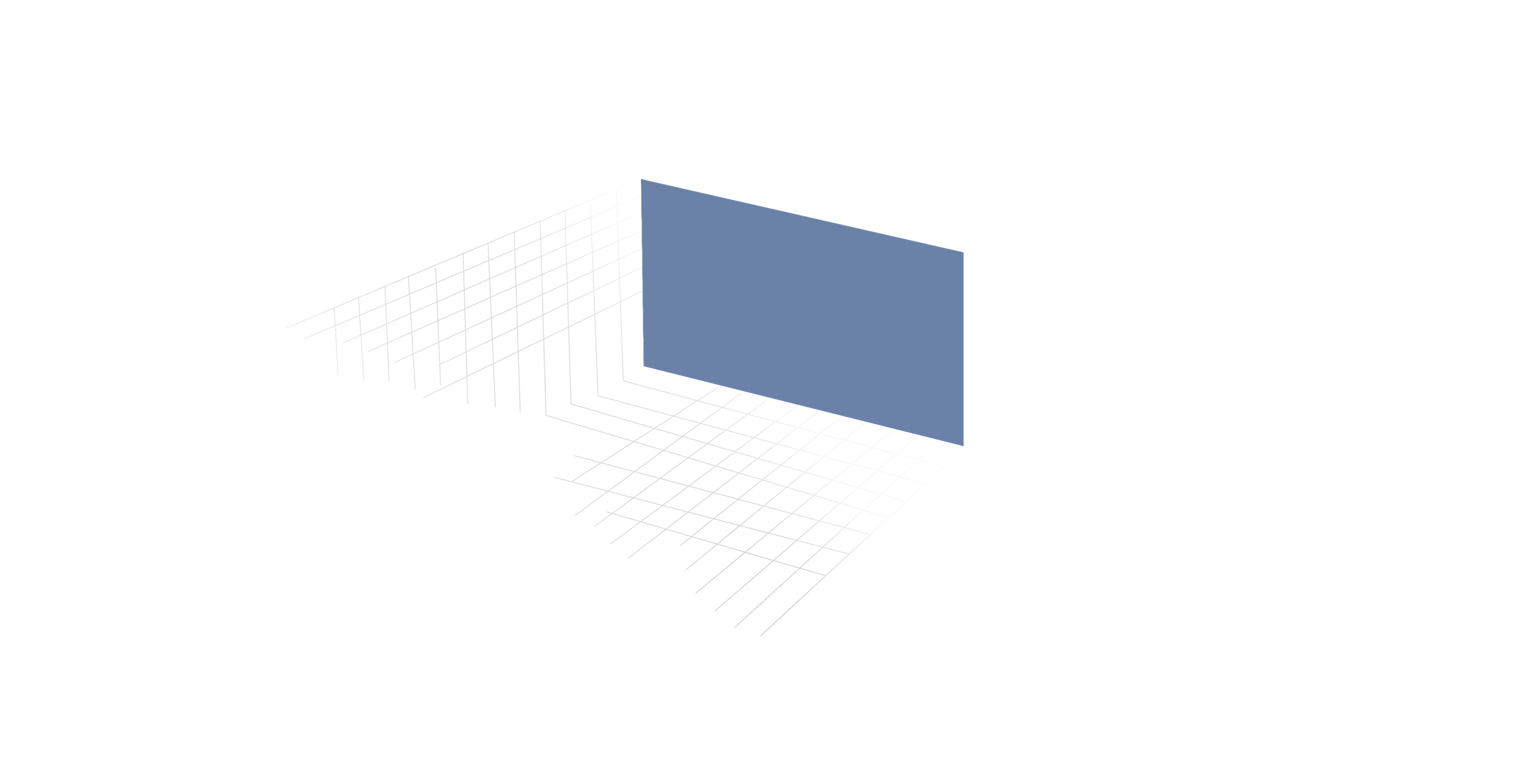
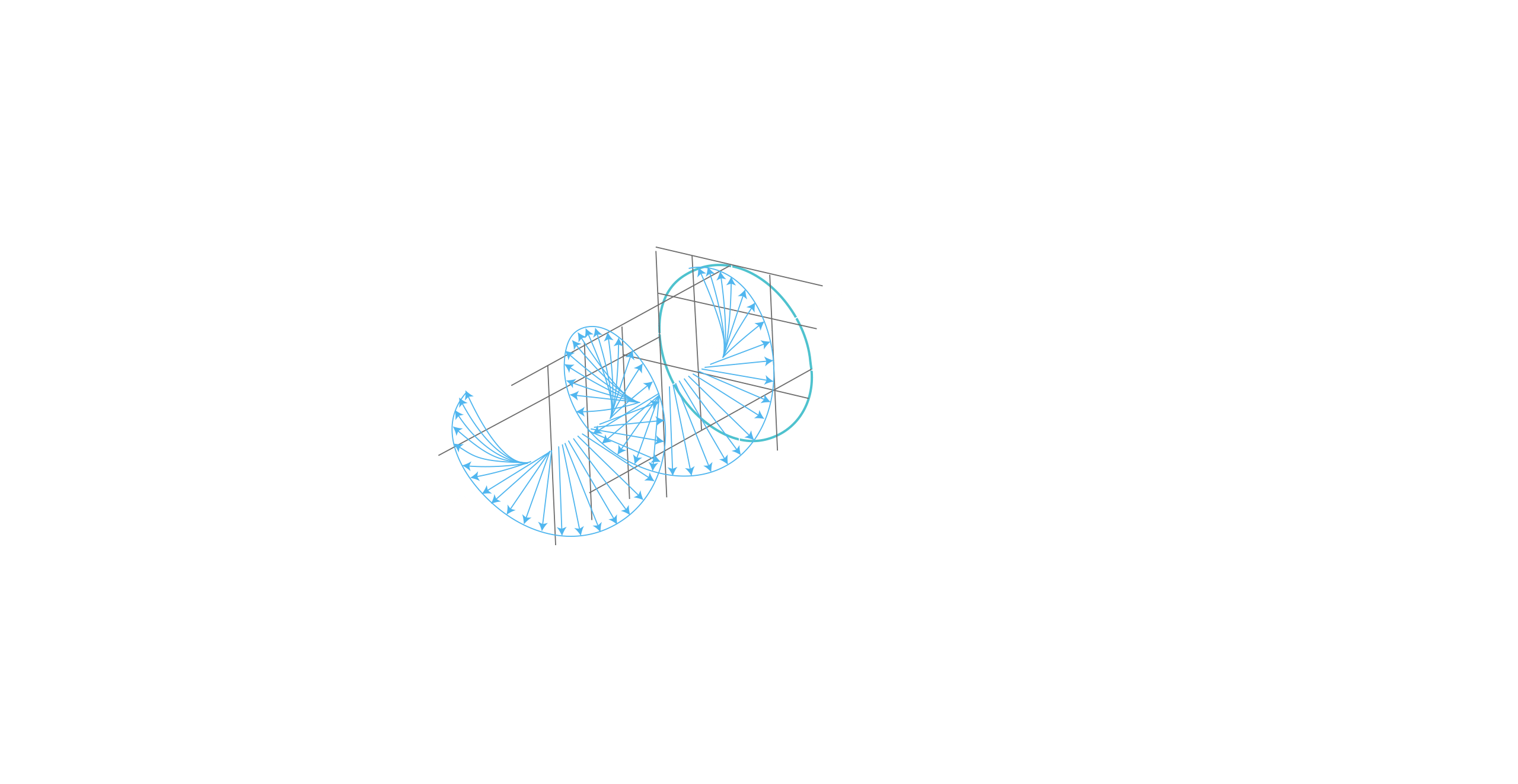

Make Your Screen Feel Like Natural Light
Stop fighting the "digital sting." It upgrades the physics of light delivery, turning harsh screen glare into a gentle visual experience that feels like natural light.
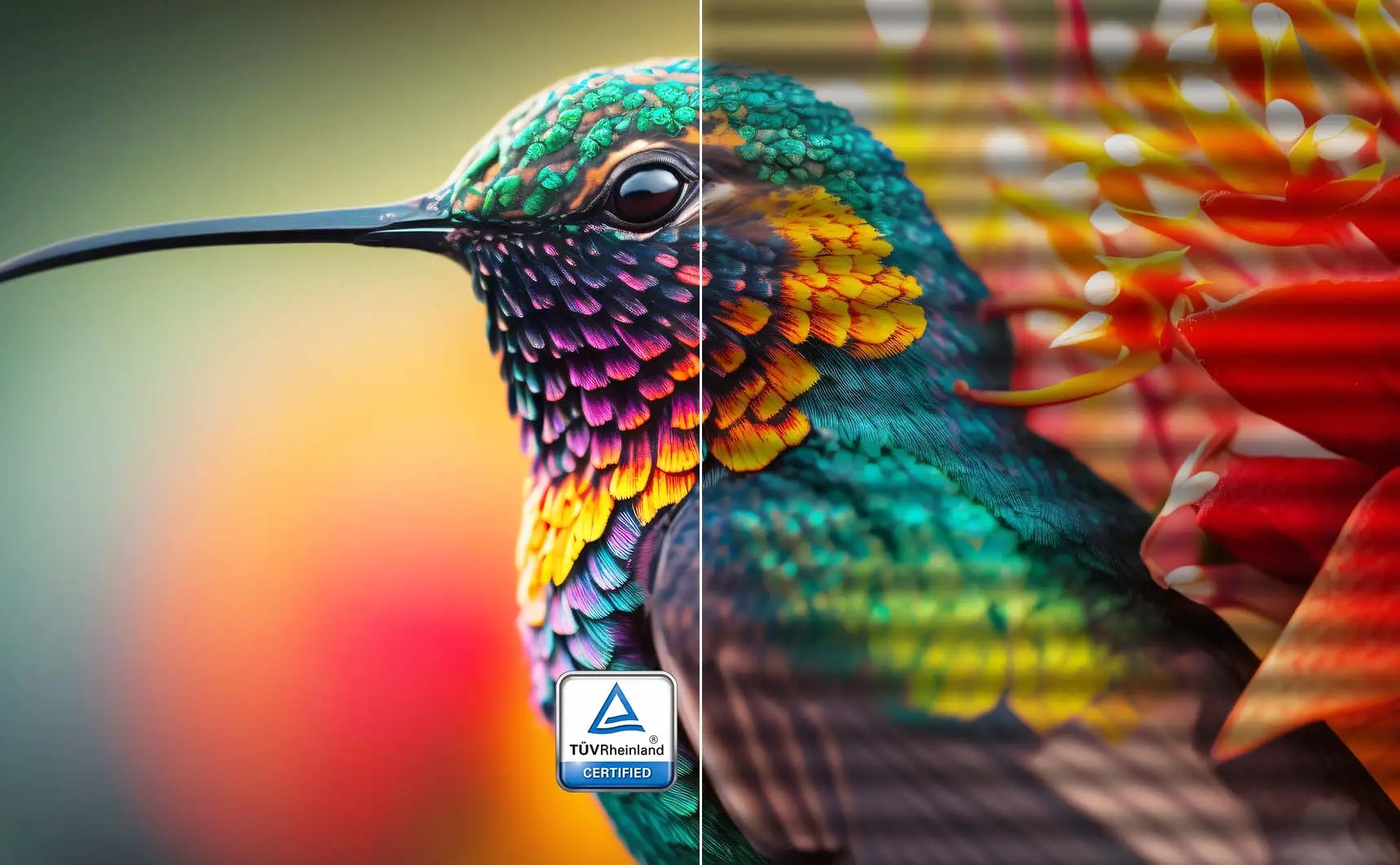
Strip the strain. Keep the color
Unlike software filters that turn your screen yellow, our TÜV-Certified Hardware Low Blue Light PRO shifts the light spectrum at the source. It effectively eliminates harmful blue radiation while preserving stunning, true-to-life color accuracy for both work and play.

Regular
Less Blue Light
Strip the strain. Keep the color
Strip the strain. Keep the color
Unlike software filters that turn your screen yellow, our TÜV-Certified Hardware Low Blue Light PRO shifts the light spectrum at the source. It effectively eliminates harmful blue radiation while preserving stunning, true-to-life color accuracy for both work and play.
Total stability. Zero fatigue. Or Say Goodbye to the eye strain
Say goodbye to eye strain and fatigue. Our display is designed to reduce eye strain and fatigue, so you can work longer and more comfortably.
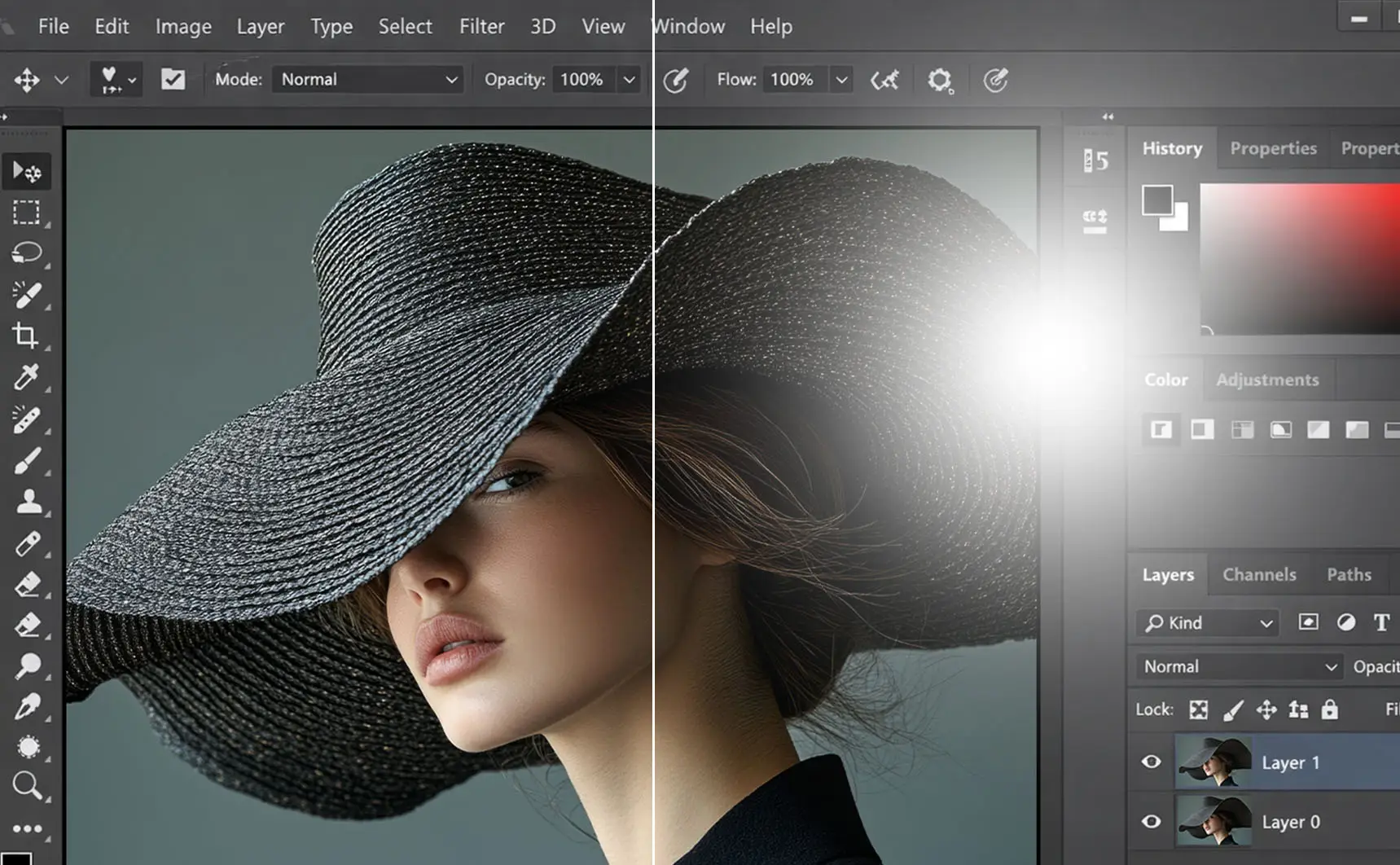
Scatter the distractions
Advanced Anti-Glare coating eliminates distracting reflections to provide crystal-clear visibility and a comfortable viewing experience in any lighting condition.

Healthy Eyes

Eye Requiring Treatment

Healthy Eyes

Eye Requiring Treatment
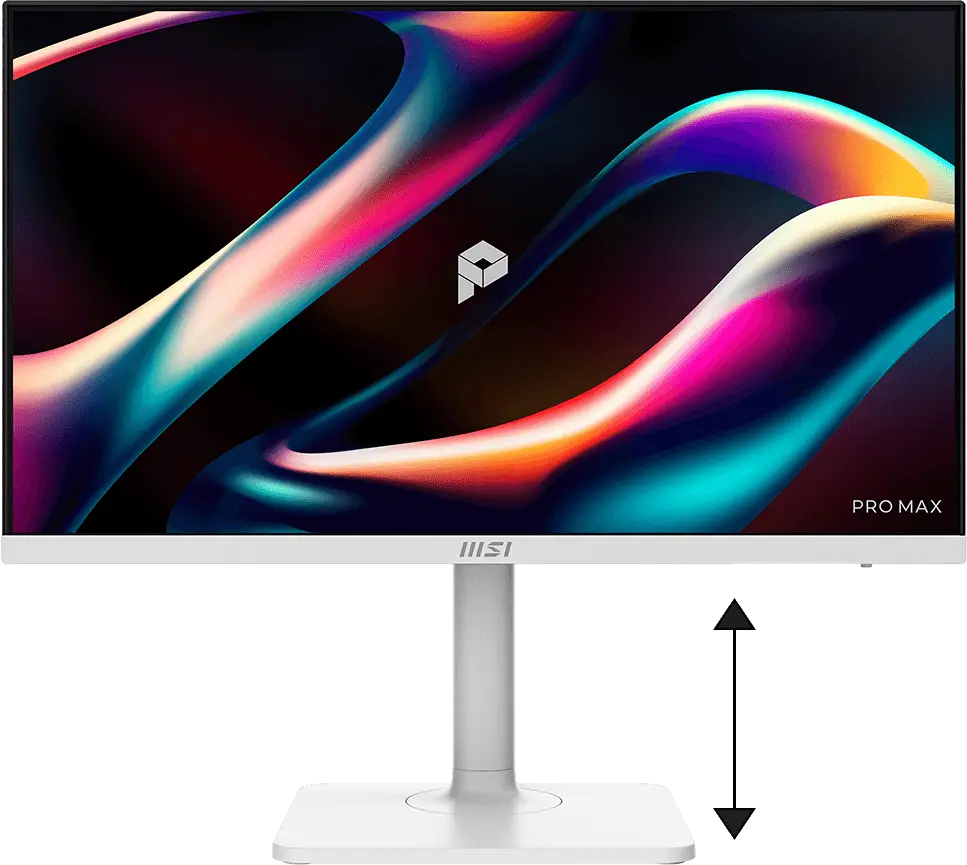
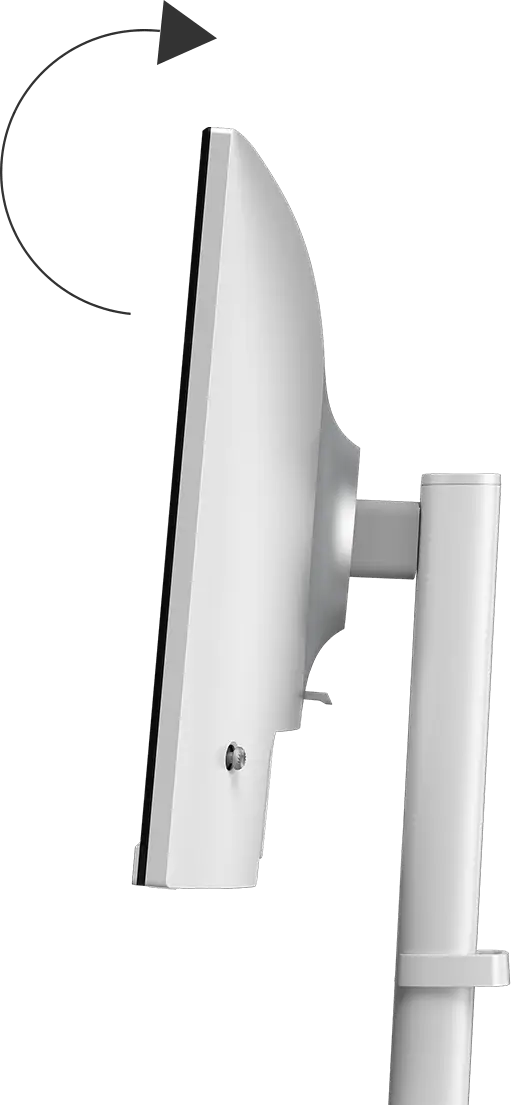
Bekerjalah dengan tegak. Tetaplah termotivasi
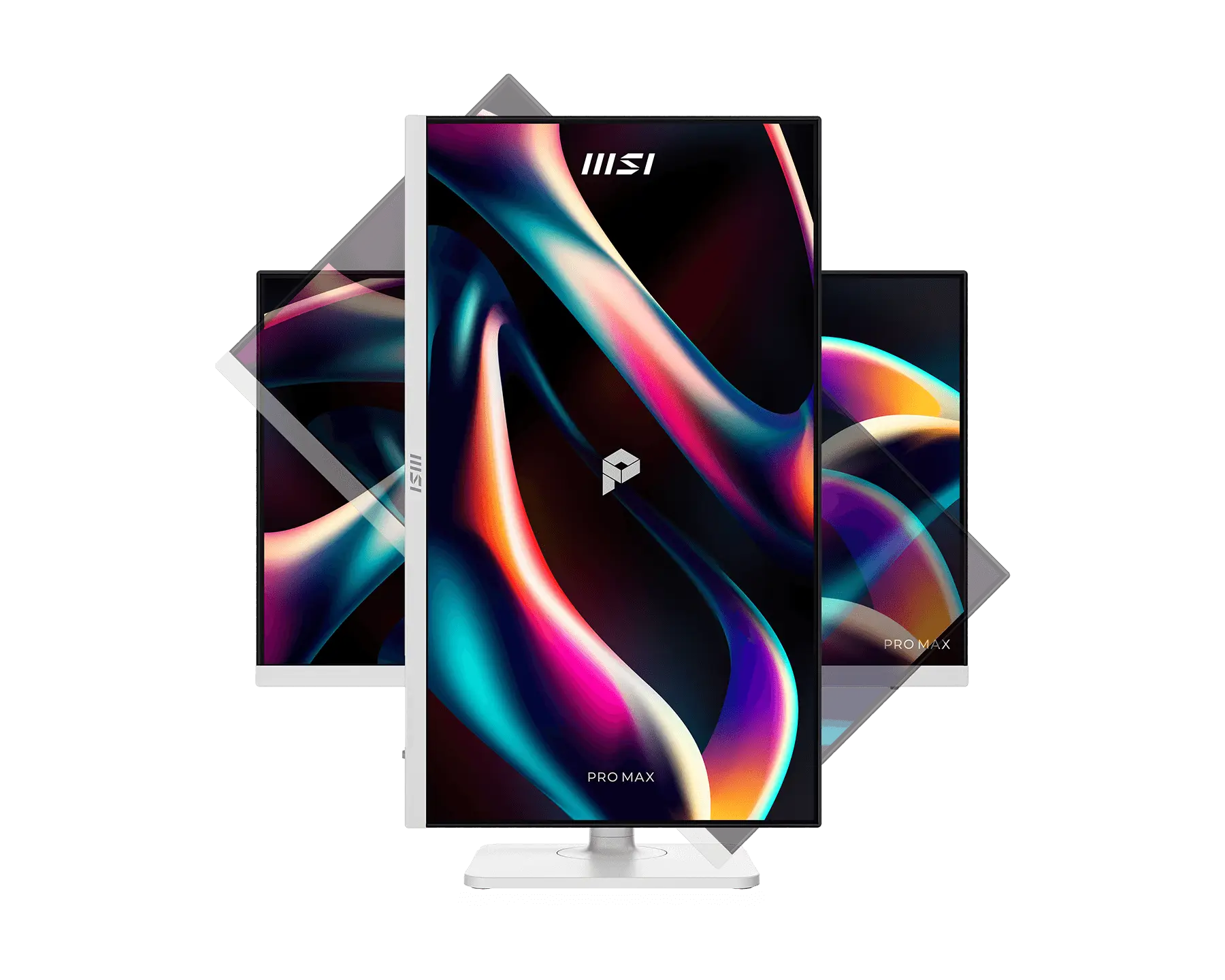
Dengan dudukan yang dapat disesuaikan, Anda selalu bisa menyesuaikan cara Anda melihat dan cara Anda bekerja. Temukan posisi yang paling nyaman bagi Anda.


Satu kabel. Bisa untuk semuanya
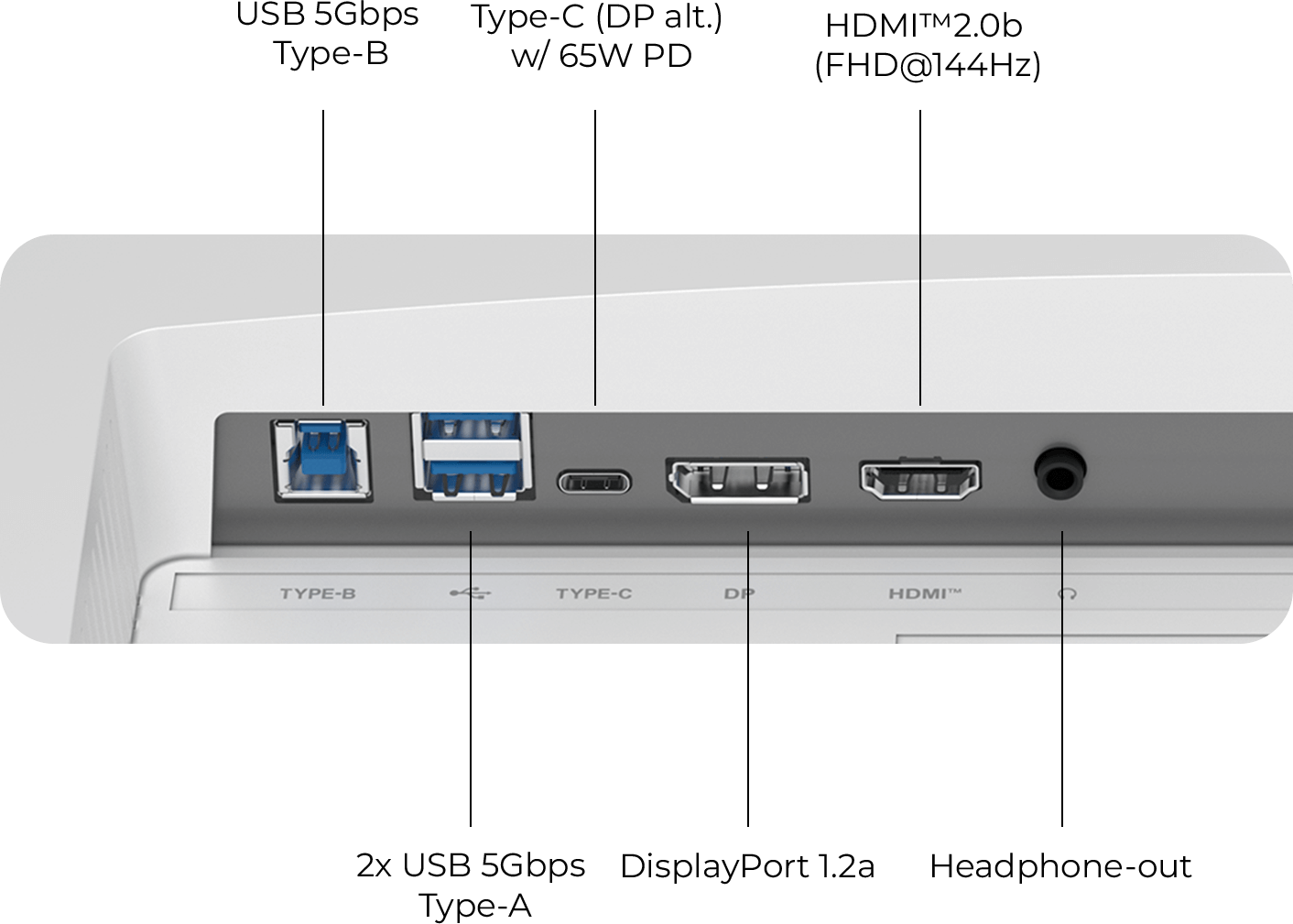
Sederhanakan ruang kerja Anda dengan port USB Type-C yang serbaguna. Berkat fitur Power Delivery 65W, Anda dapat mengisi daya laptop dan mentransfer data hanya dengan satu koneksi. Sederhana. Tangguh.


Pembaruan Firmware
PRO MAX 241PHW E14 dapat memperbarui firmware melalui konektor Type-C, yang praktis dan mudah digunakan. Hal ini memungkinkan pengguna untuk memperbarui firmware sendiri kapan saja saat versi terbaru dirilis oleh MSI. Dengan demikian, layar selalu berada dalam kondisi yang dioptimalkan secara maksimal.
Windows

Type-C、DP、Hub
macOS
Type-C
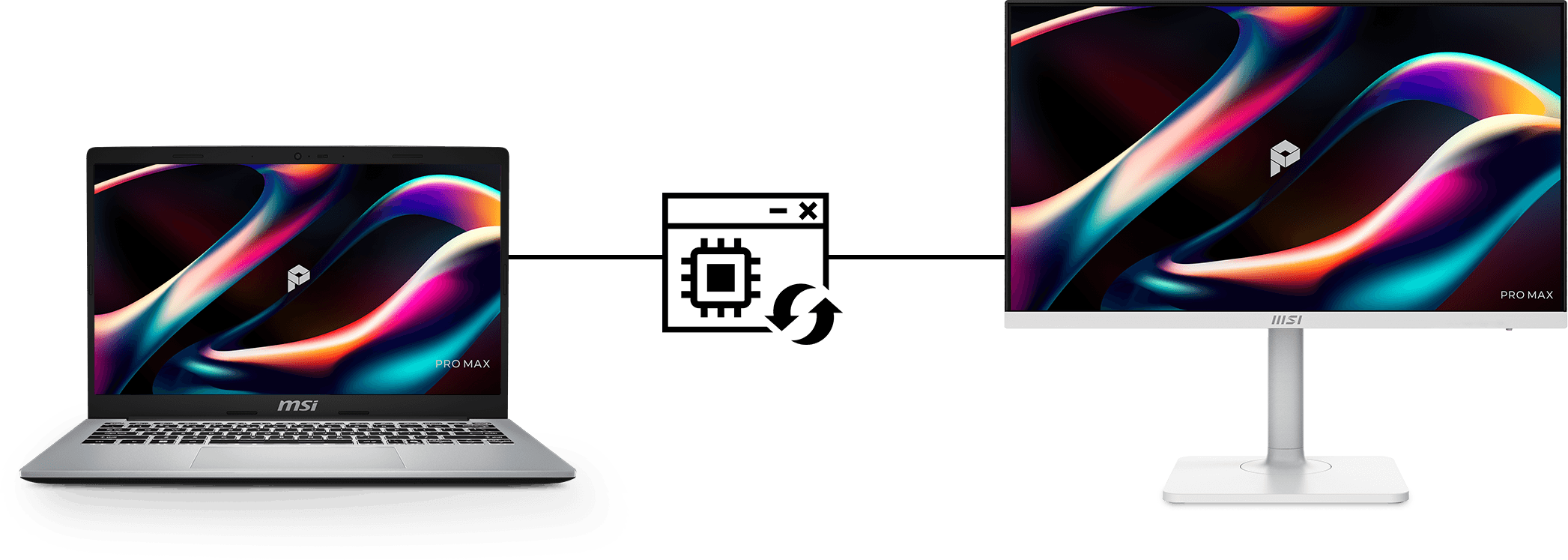
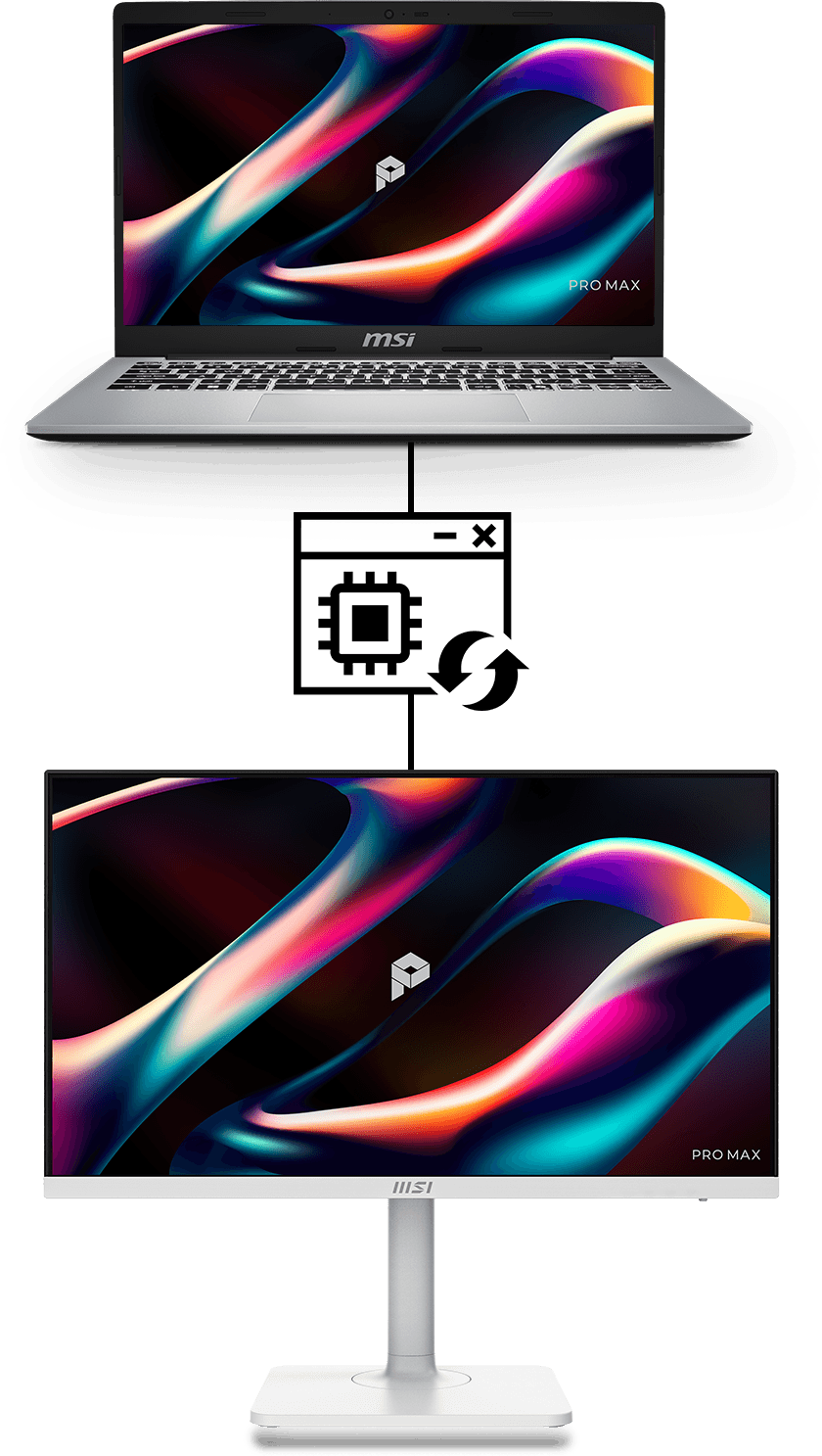
MSI M-Mate App
MSI M-Mate: Your Bridge Mate for Mac Sync, switch, and command. MSI M-Mate unifies your system functions and Macbook settings with built-in KVM execution. It’s the smarter way to work—all in one mate.
Productivity Intelligence
MSI M-Mate
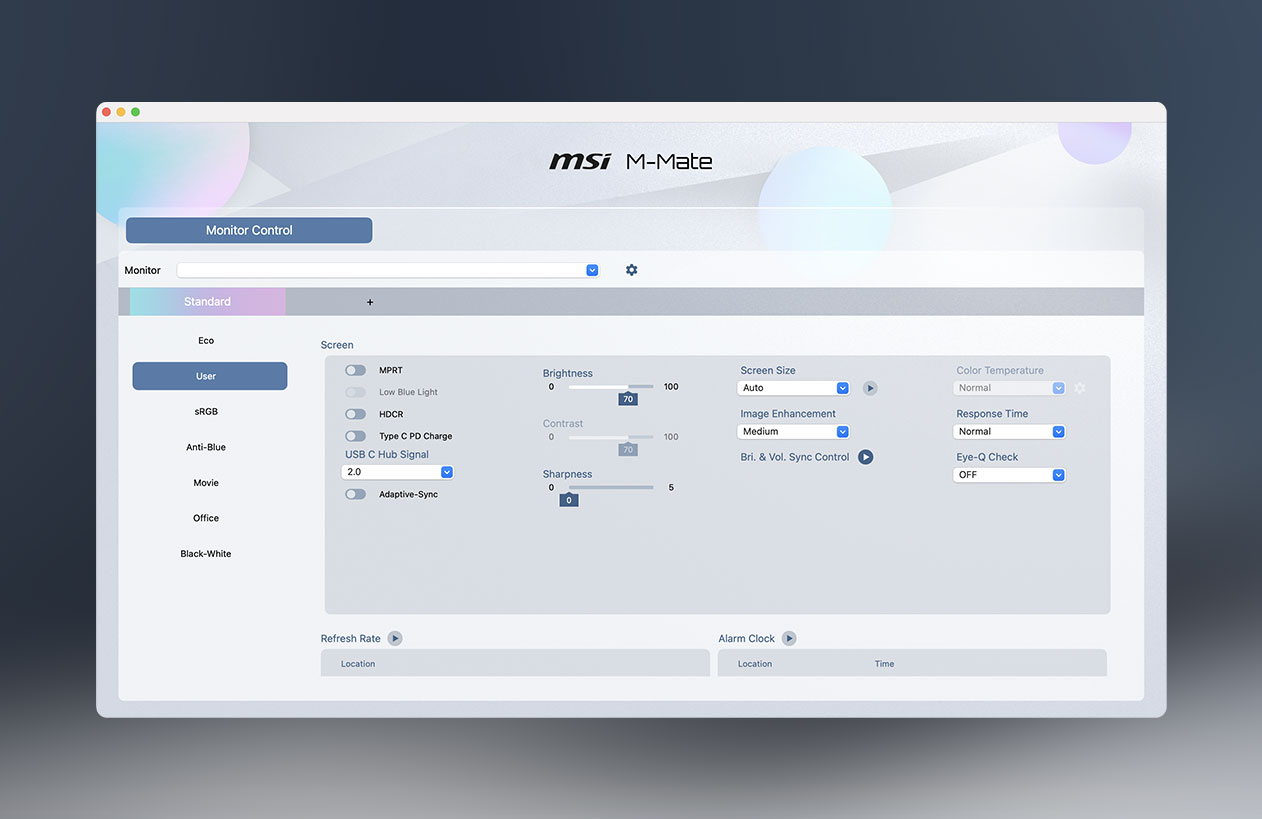
MSI M-Mate App for full parameter control
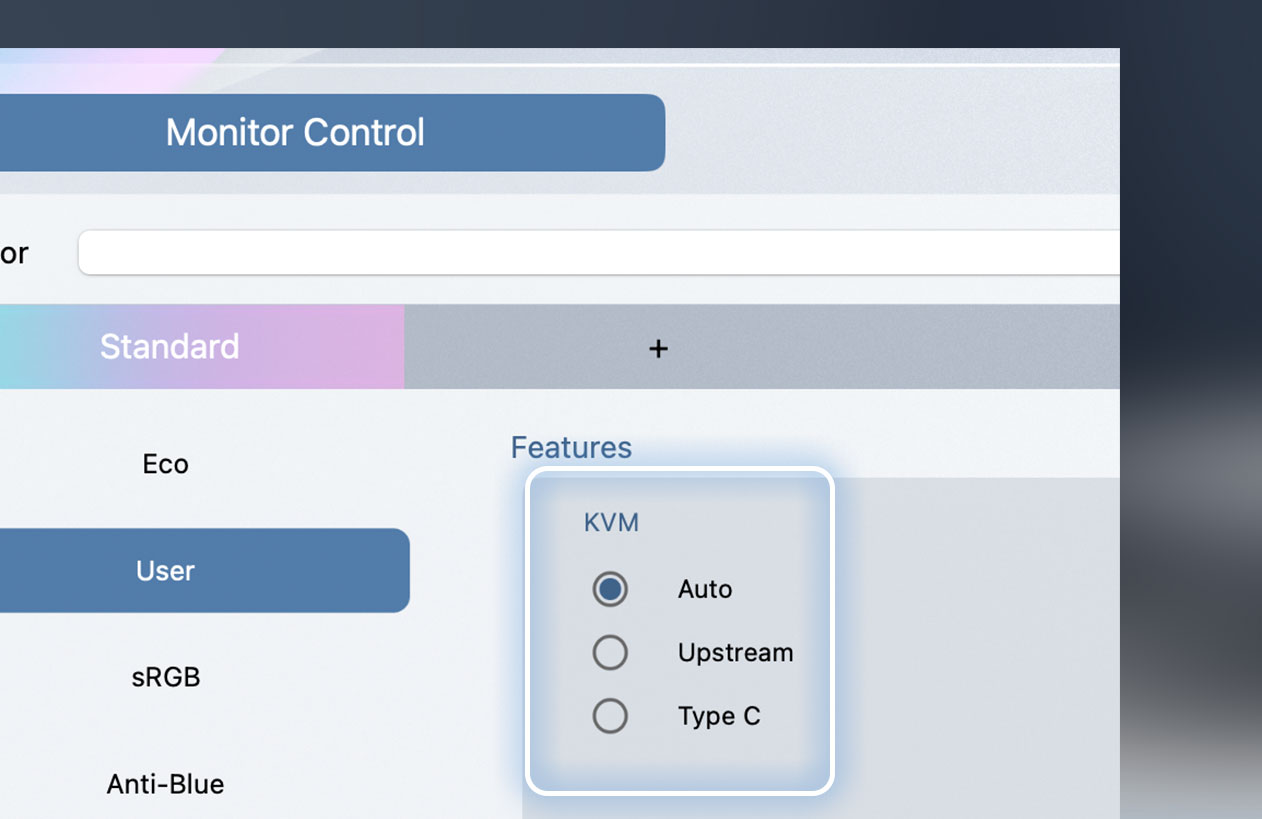
Faster and more intuitive KVM switching
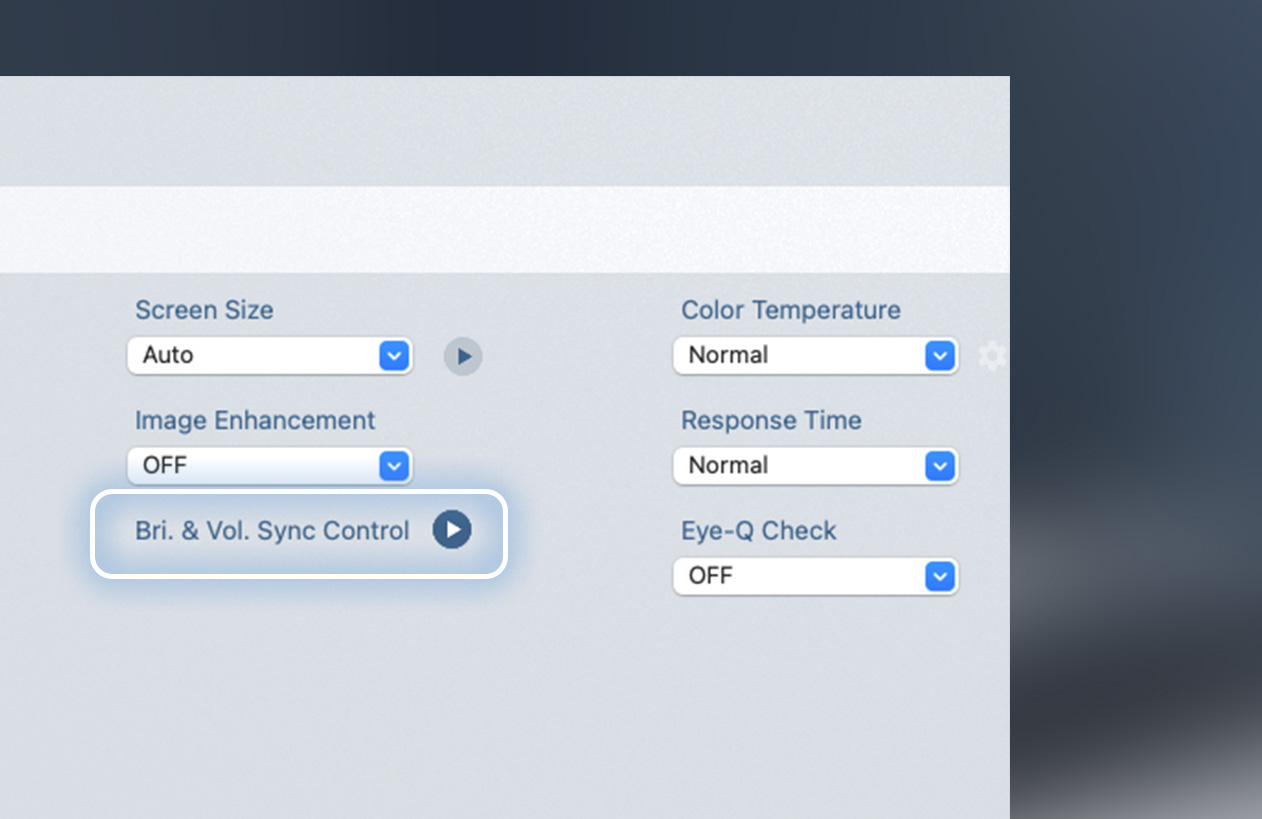
M-Sync: Sync your MacBook and monitor brightness with one touch.
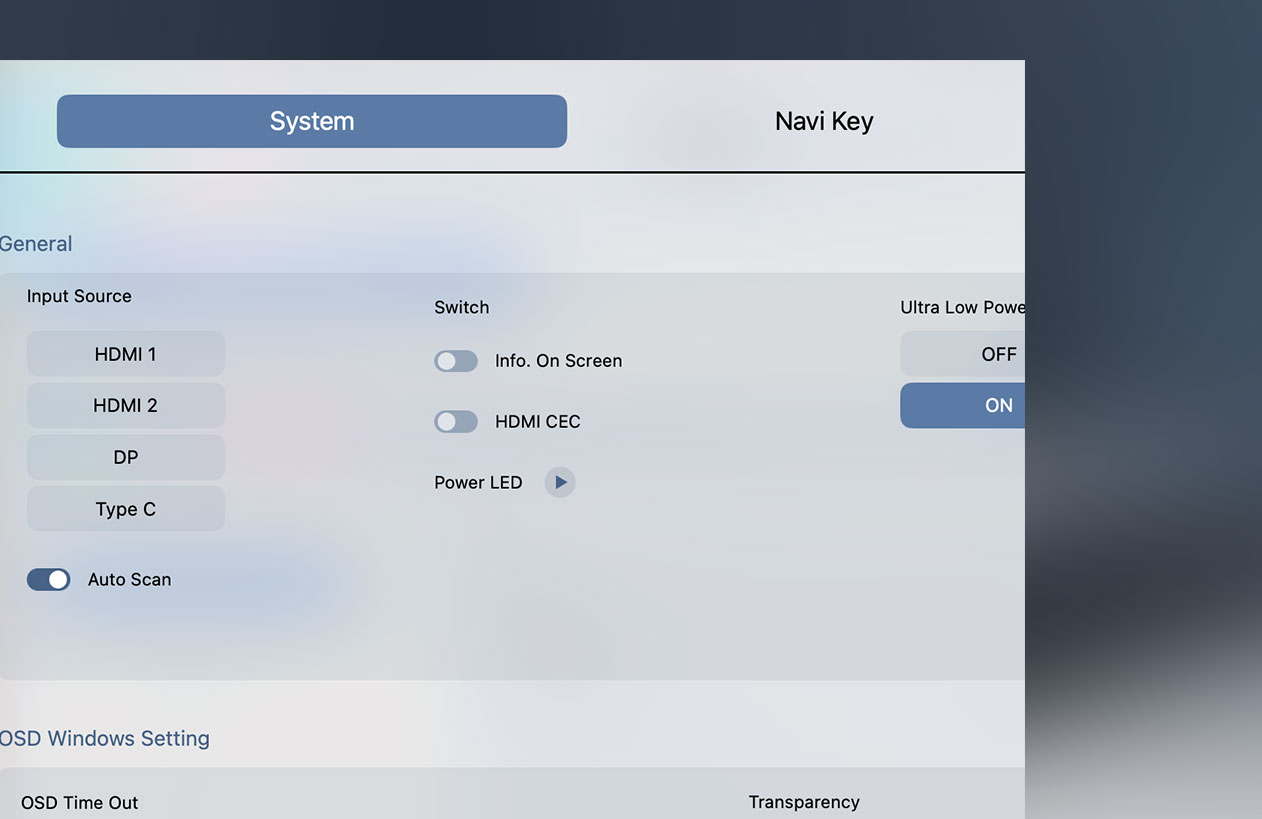
Integrated HDMI CEC functionality
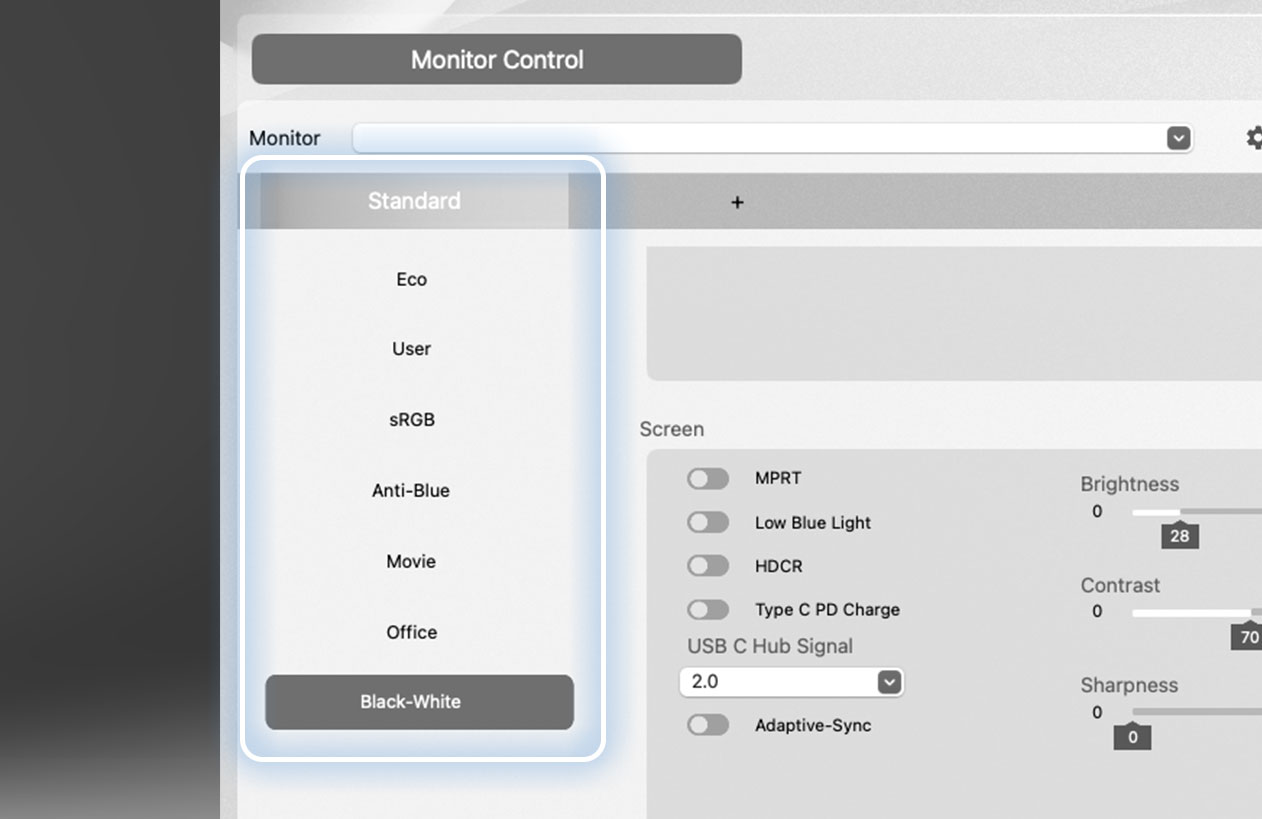
Switch your screen color profiles on the fly
*The estimated release date is scheduled for the end of May.
Kuasai dua dunia. Dengan satu tekad
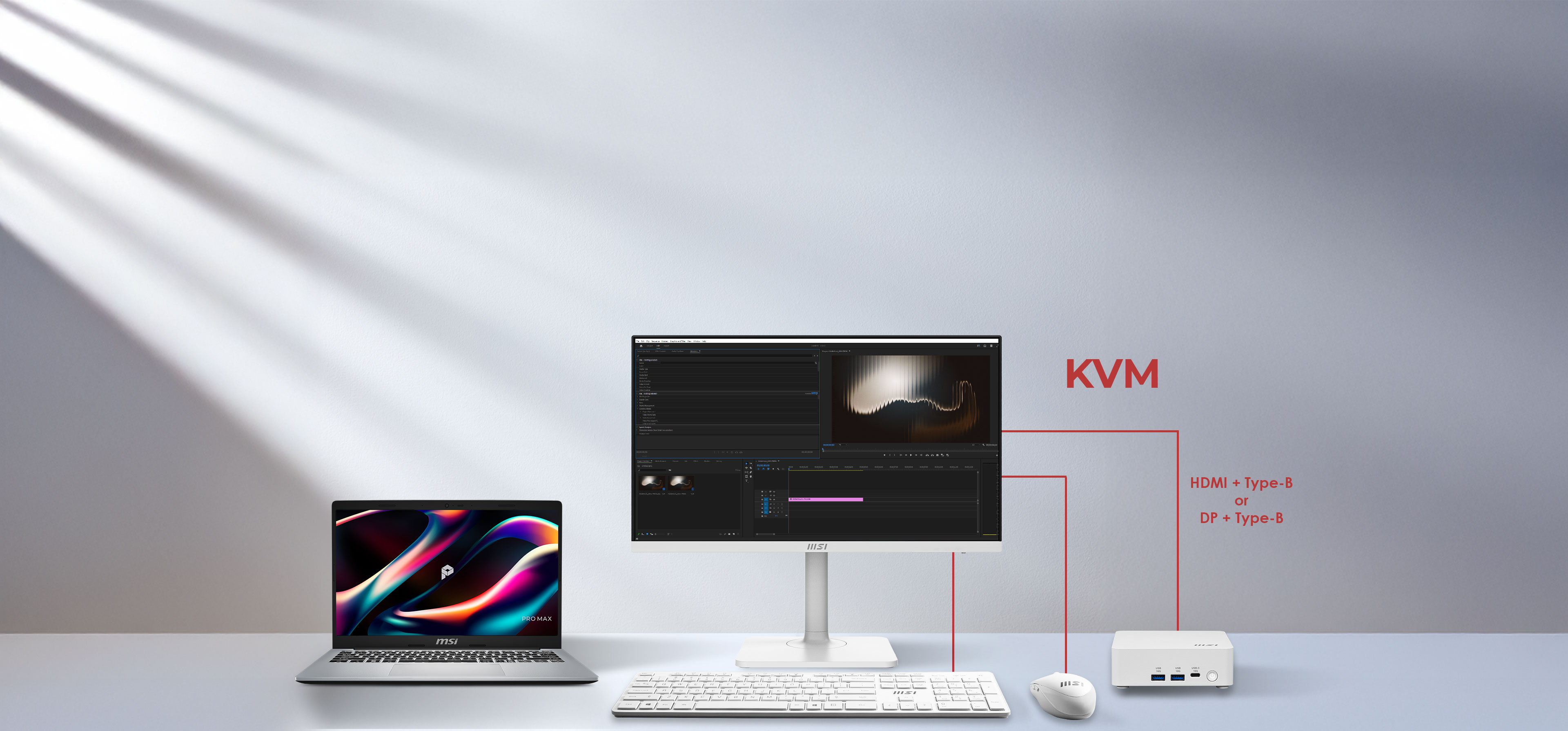
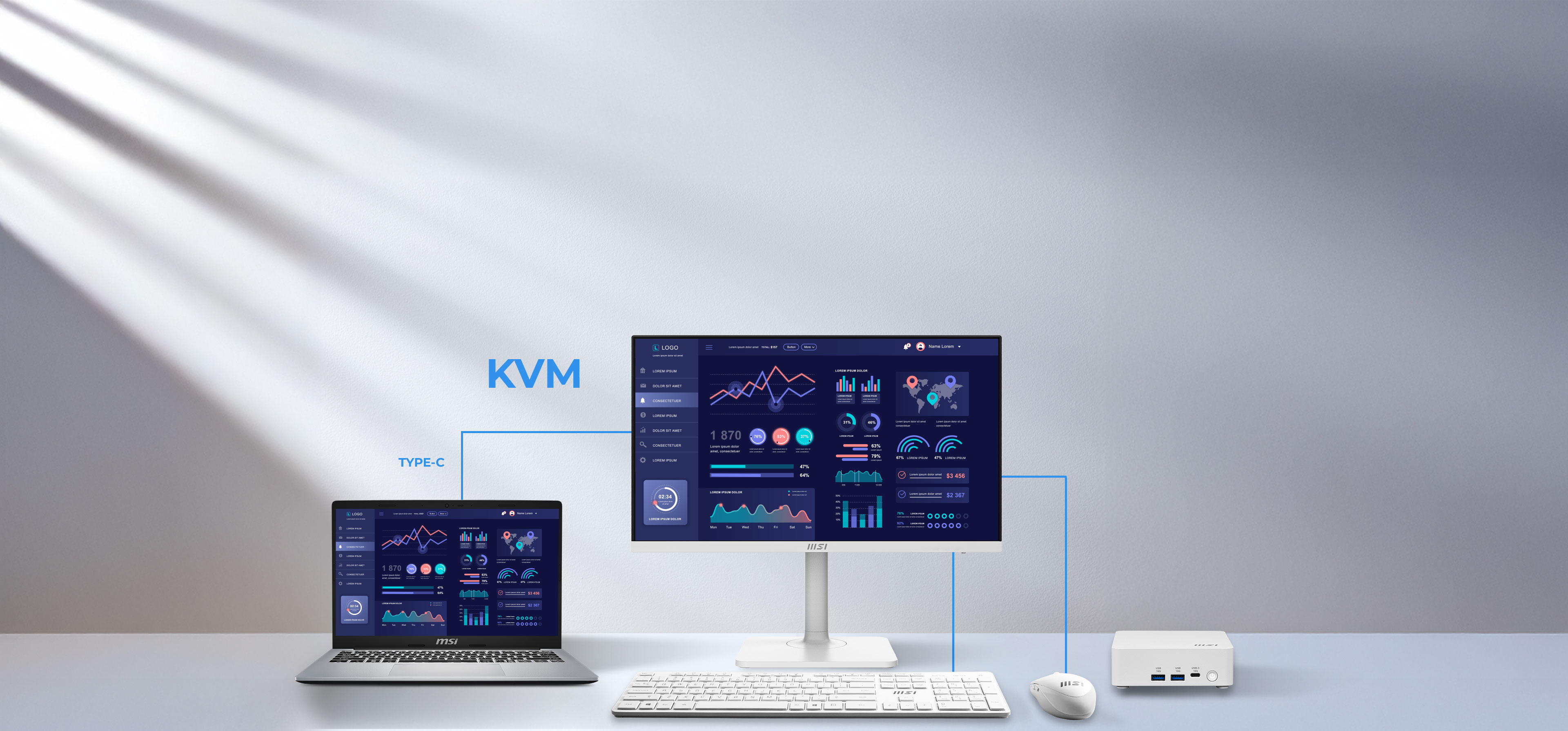
Tingkatkan produktivitas Anda dengan mengendalikan dua komputer hanya menggunakan satu set keyboard dan mouse. Sakelar KVM terintegrasi ini memungkinkan Anda beralih antara laptop dan komputer desktop, sehingga menghemat ruang dan mempermudah alur kerja multitasking Anda.
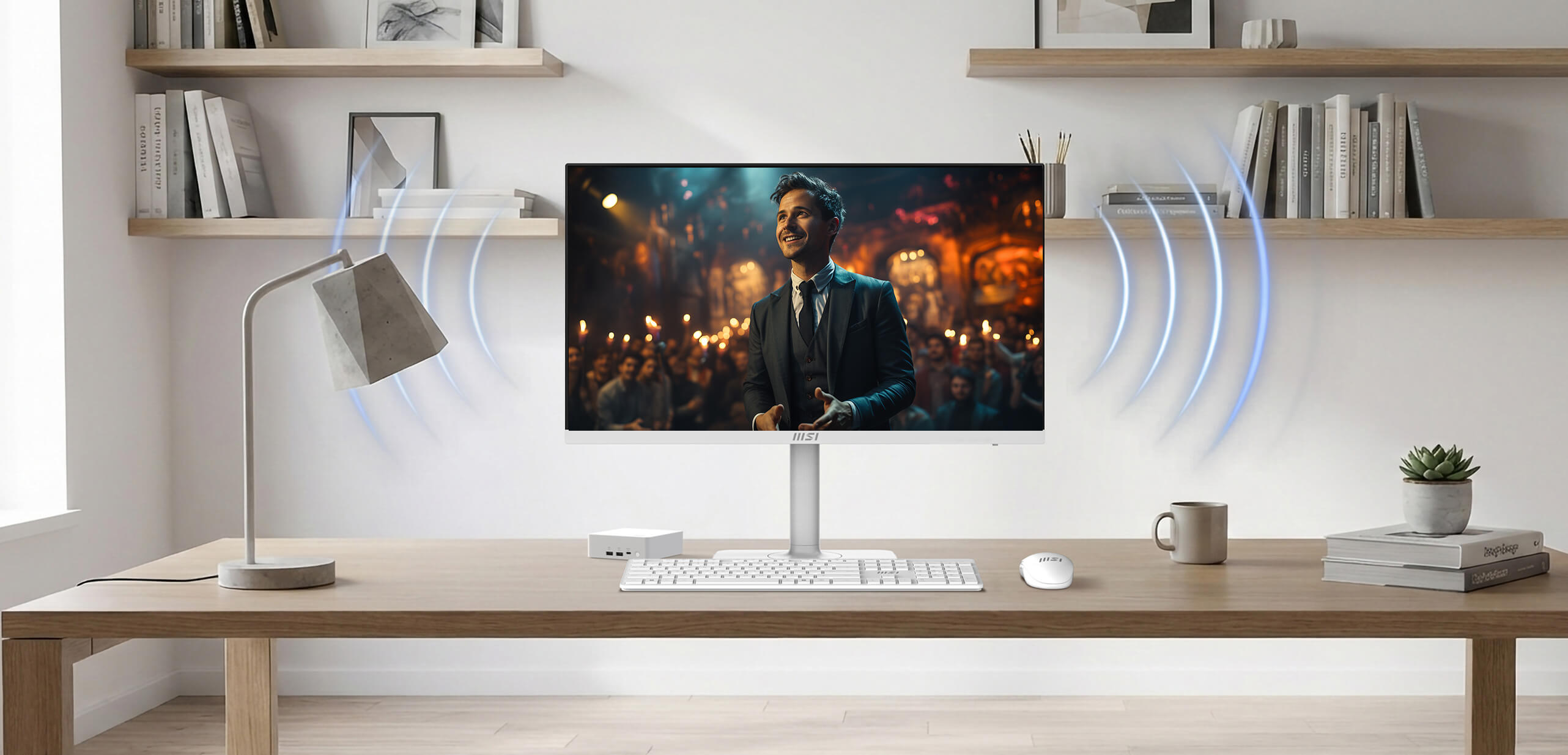
Suara yang mengelilingi fokus Anda
Baik saat Anda mengikuti rapat daring, menonton video, atau mendengarkan musik, speaker terintegrasi ini menghadirkan suara yang jernih sekaligus menjaga meja Anda tetap rapi dan bebas dari barang-barang yang berserakan.
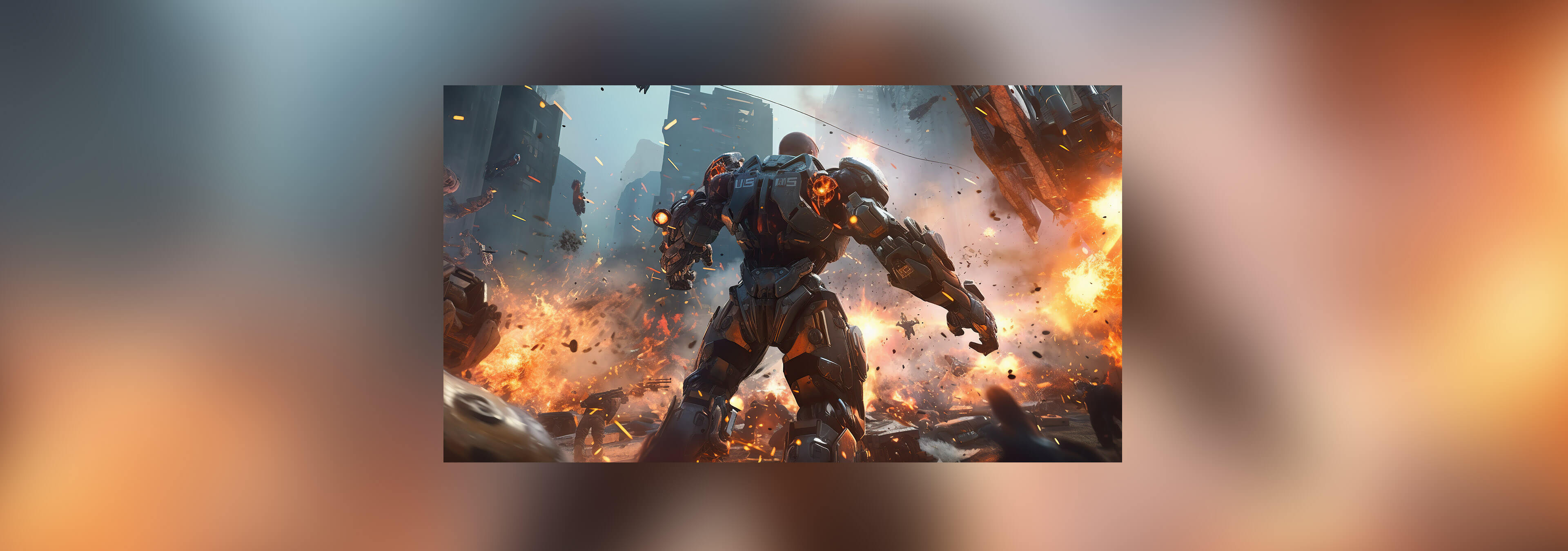
144Hz + 1ms MPRT + AMD FreeSync™ Technology
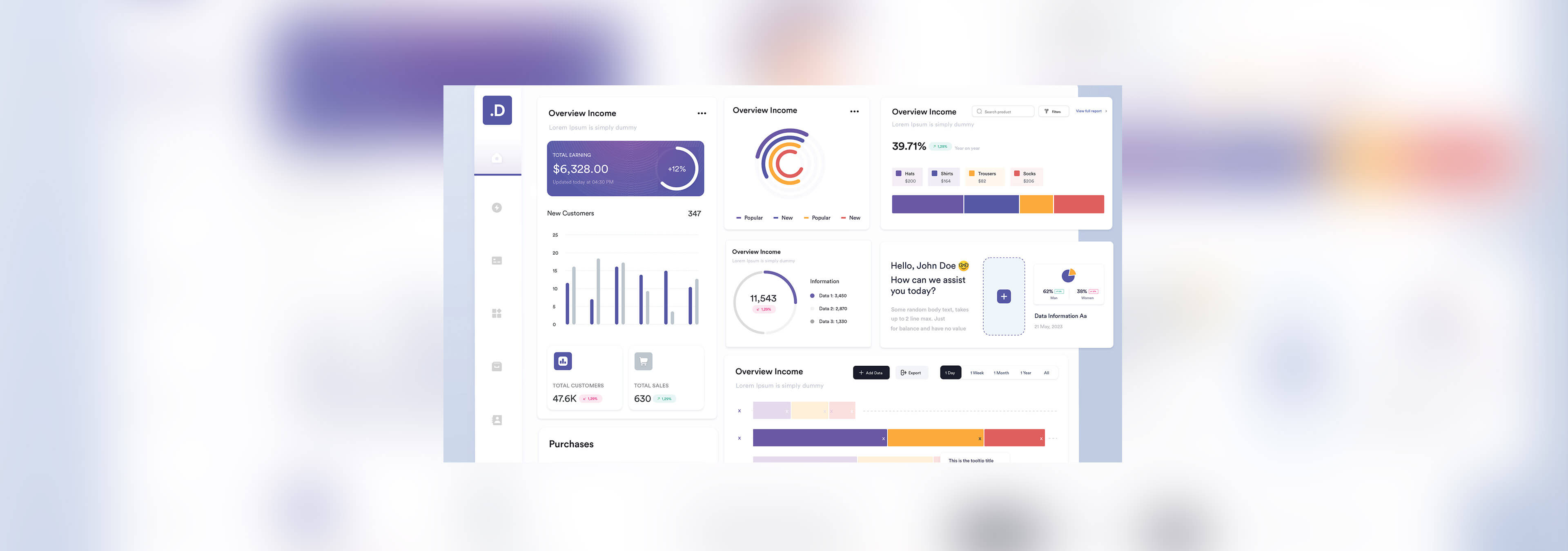
Unlock the full potential of your monitor with a high refresh rate. From seamless multitasking at work to ultra-smooth gaming and fluid AI-generated visuals, every detail comes to life with precision and speed. Whether you're creating, playing, or innovating — this is performance you can see and feel.
True to life. True to your vision
See the world as it was meant to be seen. Experience professional-grade fidelity with a Delta-E ≤ 2, ensuring every color is reproduced with life-like accuracy and consistency.
I/O Introduction
- Panel Size: 23.8"
- Panel Type: IPS
- Aspect Ratio: 16:9
- Panel Resolution: 1920 x 1080 (Full HD)
- Refresh Rate: 144Hz
- Response Time: 1ms (MPRT)
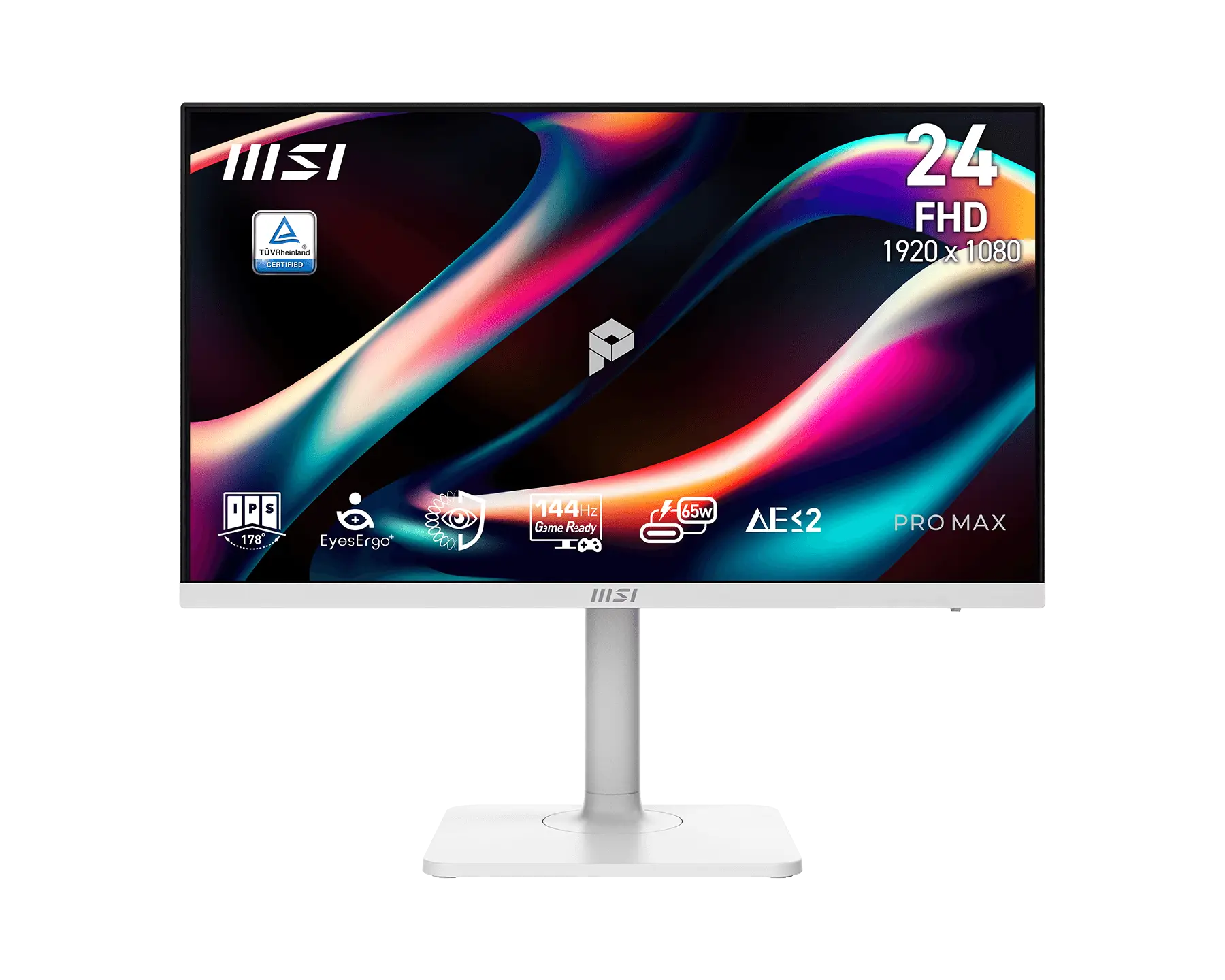
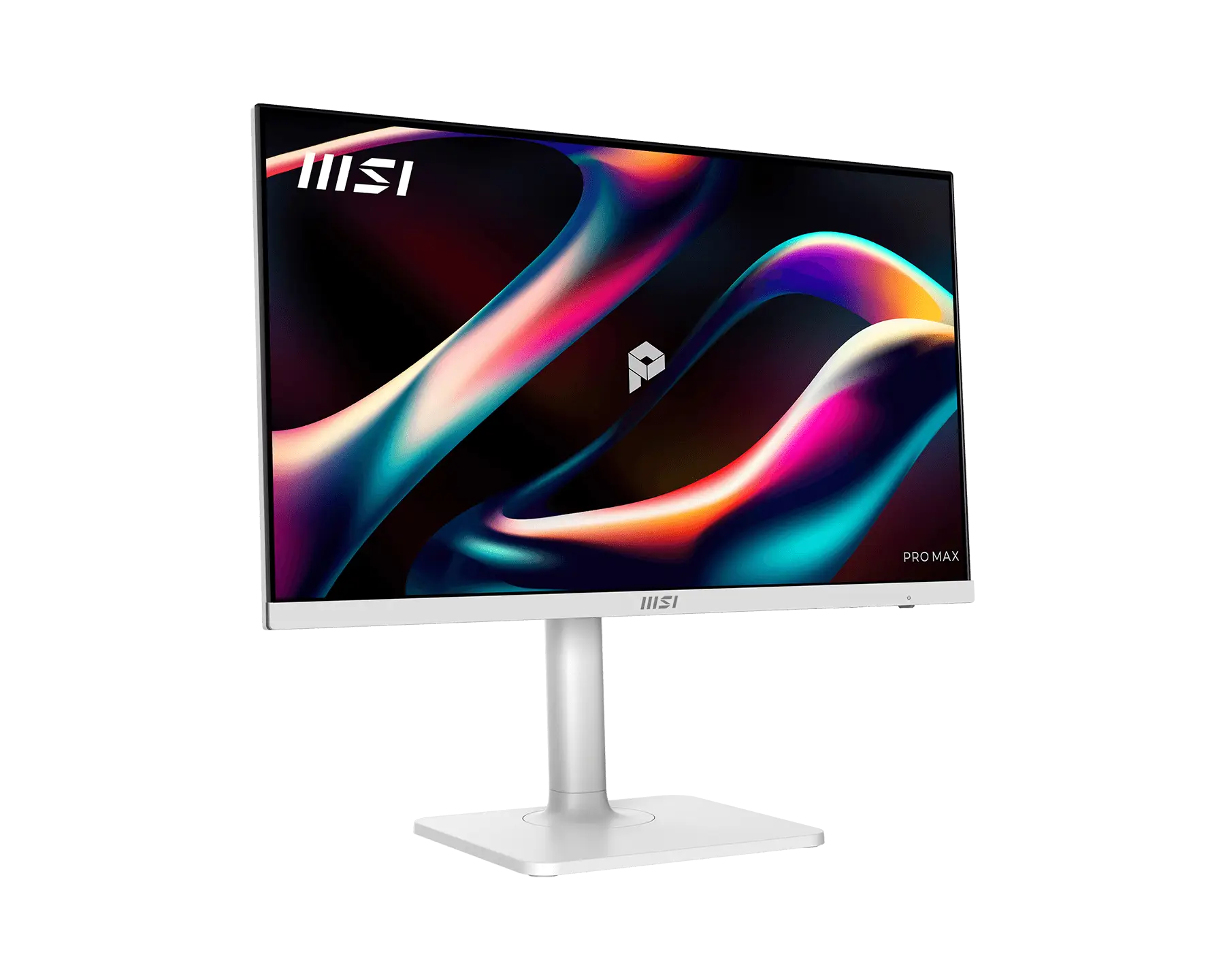
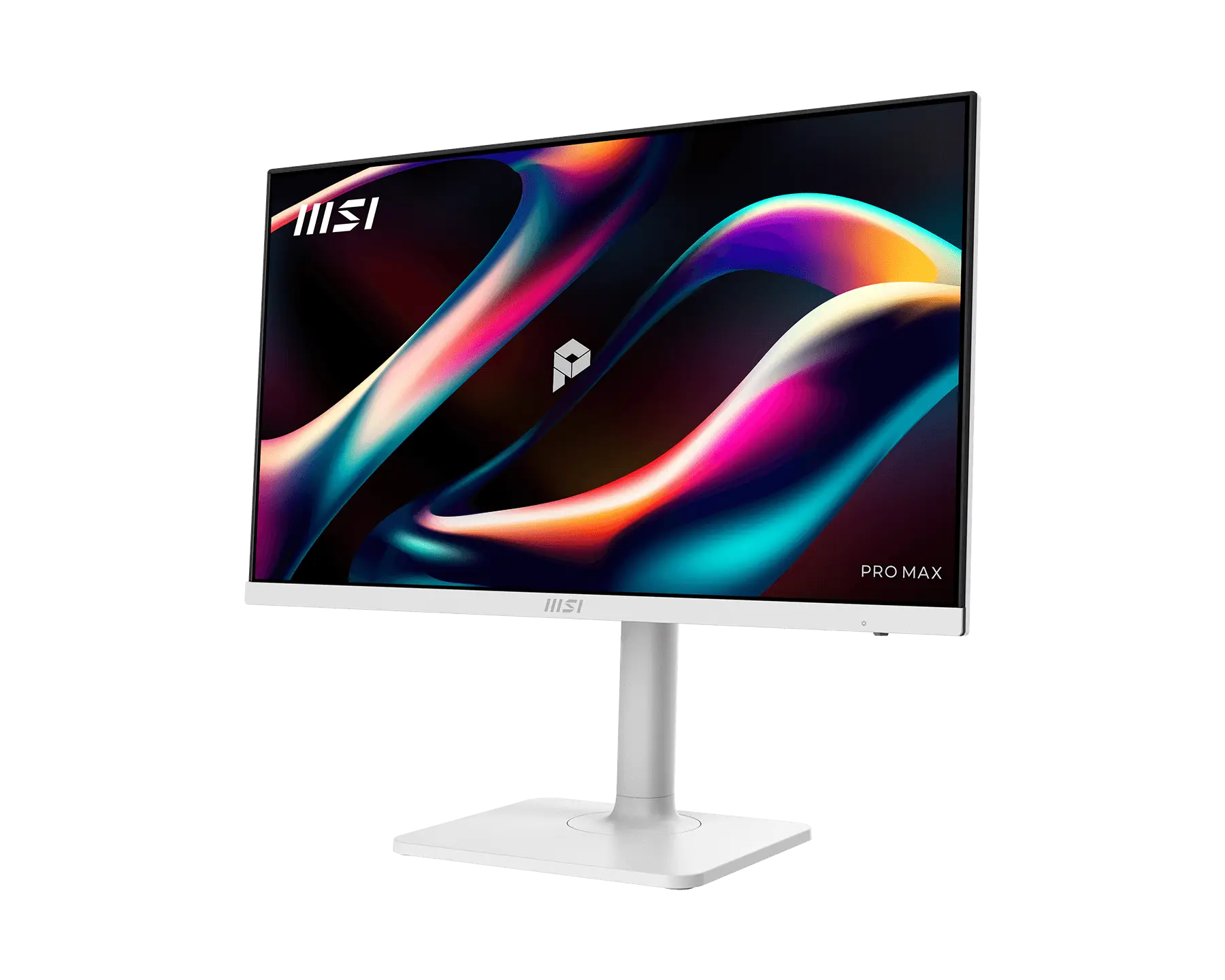
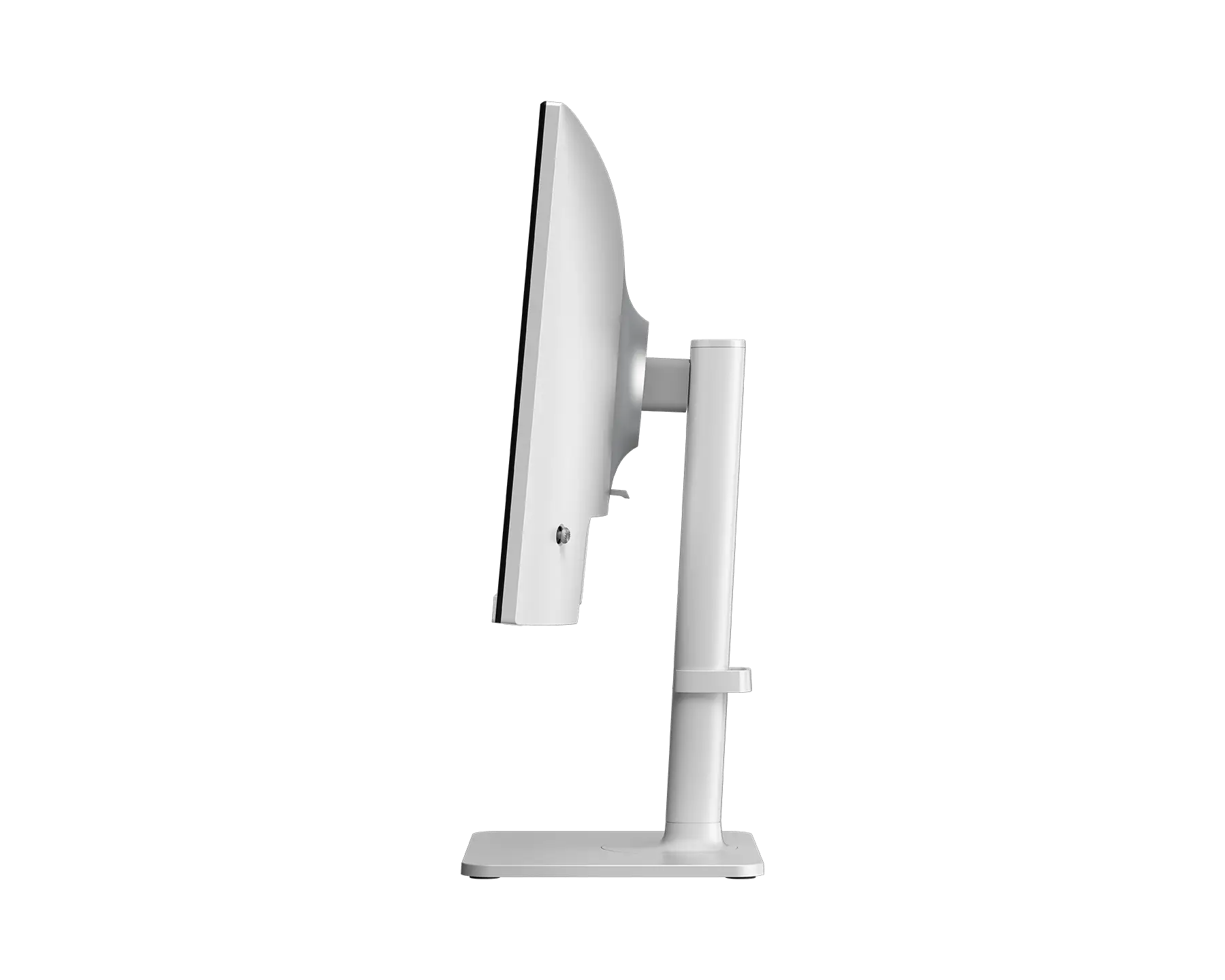
PRO MAX 241PHW E14
- EyesErgo+ mendefinisikan ulang kenyamanan visual.
- Teknologi Polarisasi Melingkar bersertifikat TÜV yang meniru cahaya alami untuk mengurangi kelelahan mata.
- Teknologi Less Blue Light PRO secara bersamaan melindungi mata sekaligus mempertahankan warna dan detail yang tajam..
- MSI Eye-Q Check membantu Anda melakukan pemeriksaan mata sendiri dan mengingatkan Anda untuk beristirahat saat menggunakan monitor dalam waktu lama.
- Pengisian Daya Type-C 65W dan Switch Layar & KVM
- Fungsi KVM memungkinkan Anda untuk beralih di antara beberapa perangkat dan mengendalikannya menggunakan satu set keyboard dan mouse.
- 144 Hz refresh rate menghadirkan pengalaman menonton yang lebih baik dengan gambar yang bebas flickering.
- Delta-E ≤ 2 telah dikalibrasi sebelumnya di pabrik untuk akurasi warna terbaik.
- Dudukan ini dirancang dengan fitur-fitur ergonomis, termasuk pengaturan kemiringan, putaran, dan ketinggian.
- Dua speaker bawaan.

Semua gambar dan deskripsi hanya sebagai ilustrasi saja. Spesifikasi poduk, fungsi, dan tampilan dapat berbeda bedasar CPU dan Chipset yang berbeda. Untuk spesifikasi yang lebih detil, silahkan periksa halaman spesifikasi produk.
Istilah HDMI™, HDMI™ High-Definition Multimedia Interface, desain Dagang HDMI™, dan Logo HDMI™ adalah merek dagang atau merek dagang terdaftar HDMI™ Licensing Administrator, Inc.