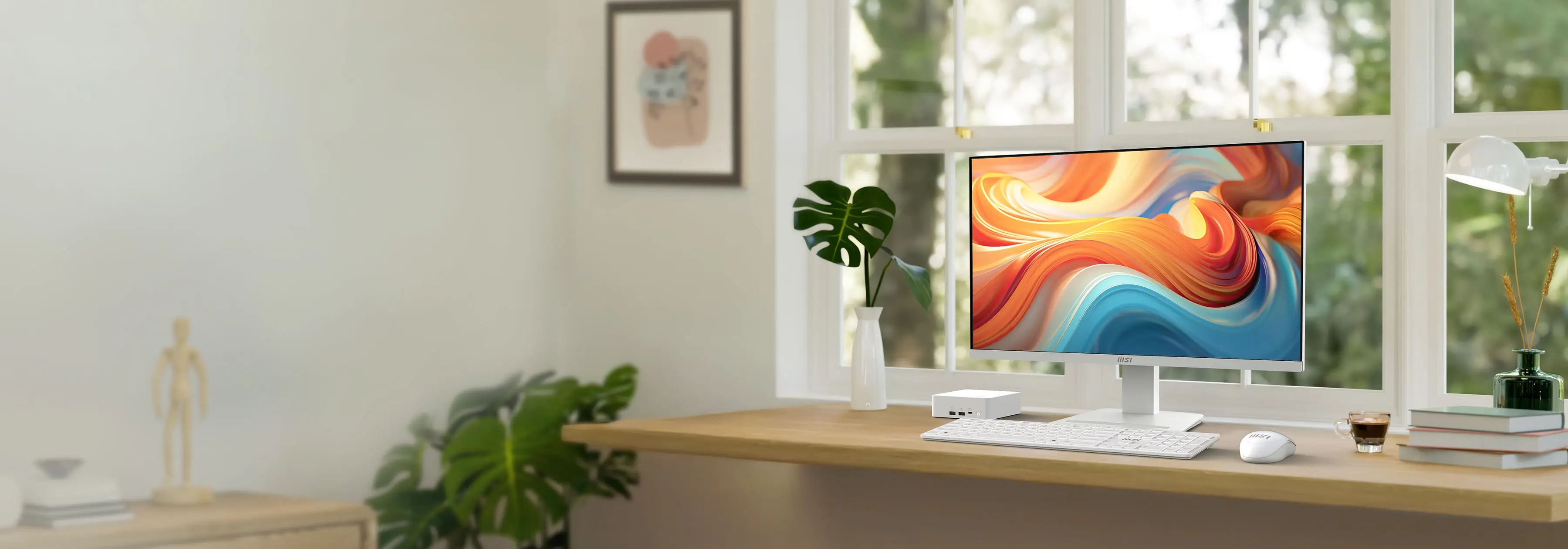


Efisien di siang hari,
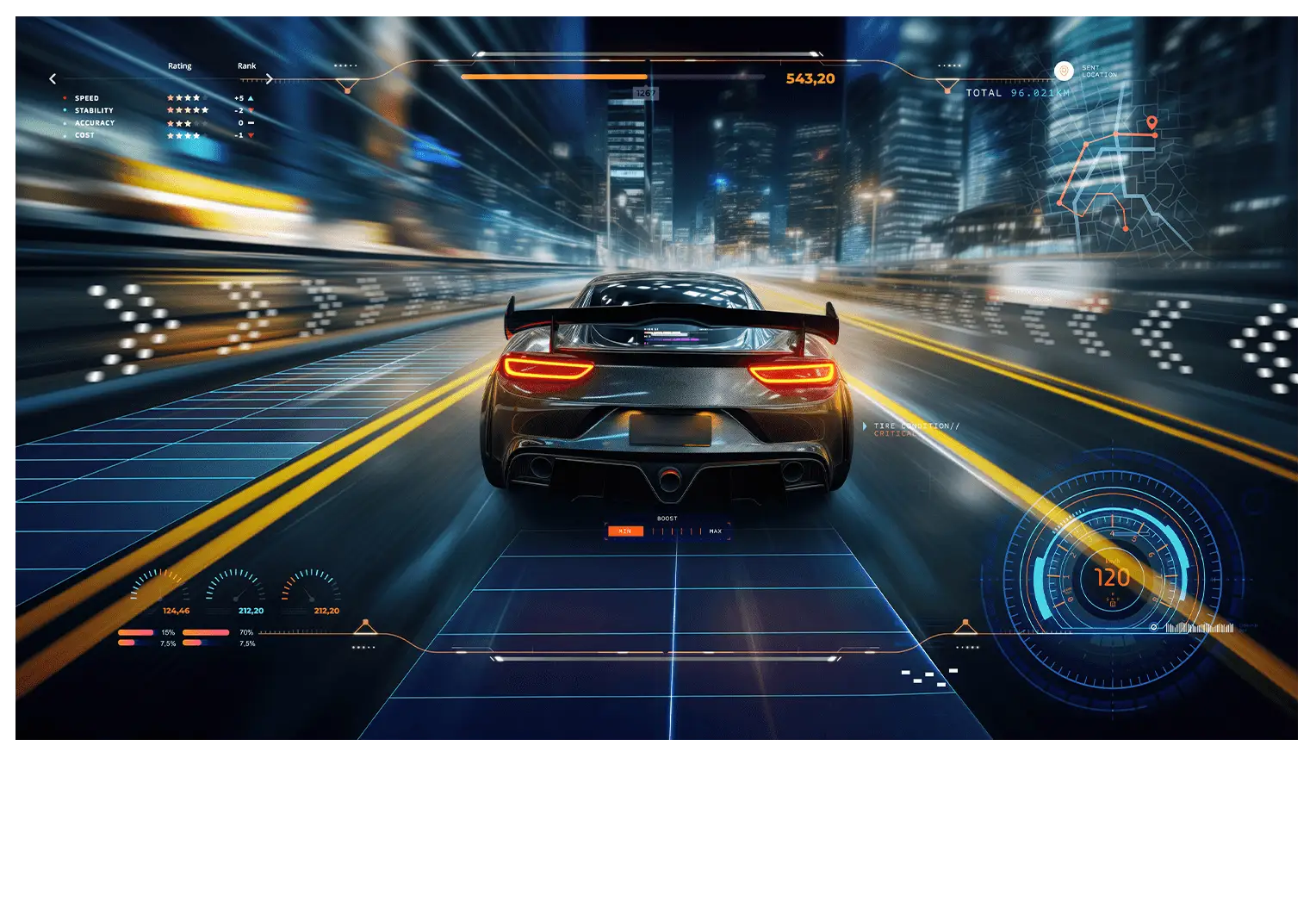
Dominasi di malam hari
Monitor PRO MP273QW E14 memadukan refresh rate 144Hz dan teknologi Adaptive-Sync untuk pengalaman bermain game dan bekerja yang lancar. Desain ergonomisnya, panel IPS, dan fitur HDR Ready meningkatkan kenyamanan dan pengalaman imersif, menjadikannya solusi serbaguna yang sempurna.


built-in
speakers

Mountable

Update


144Hz + 1ms MPRT + AMD FreeSync™
Maksimalkan potensi monitor Anda dengan refresh rate tinggi. Dari multitasking yang lancar di kantor hingga gaming yang sangat mulus dan visual halus yang dihasilkan AI, setiap detail menjadi hidup dengan presisi dan kecepatan tinggi.
Baik Anda sedang berkreasi, bermain, atau berinovasi — ini adalah pertunjukan yang dapat Anda lihat dan rasakan.

144Hz + 1ms MPRT + AMD FreeSync™
Maksimalkan potensi monitor Anda dengan refresh rate tinggi. Dari multitasking yang lancar di kantor hingga gaming yang sangat mulus dan visual halus yang dihasilkan AI, setiap detail menjadi hidup dengan presisi dan kecepatan tinggi.
Baik Anda sedang berkreasi, bermain, atau berinovasi — ini adalah pertunjukan yang dapat Anda lihat dan rasakan.


Integrasi yang Rapi dengan Dudukan Mini PC
Nikmati fleksibilitas monitor yang dapat disesuaikan ke 4 arah dan kenyamanan meja kerja yang rapi berkat dudukan mini-PC yang dapat dipasang ini.

Press OSD
Button

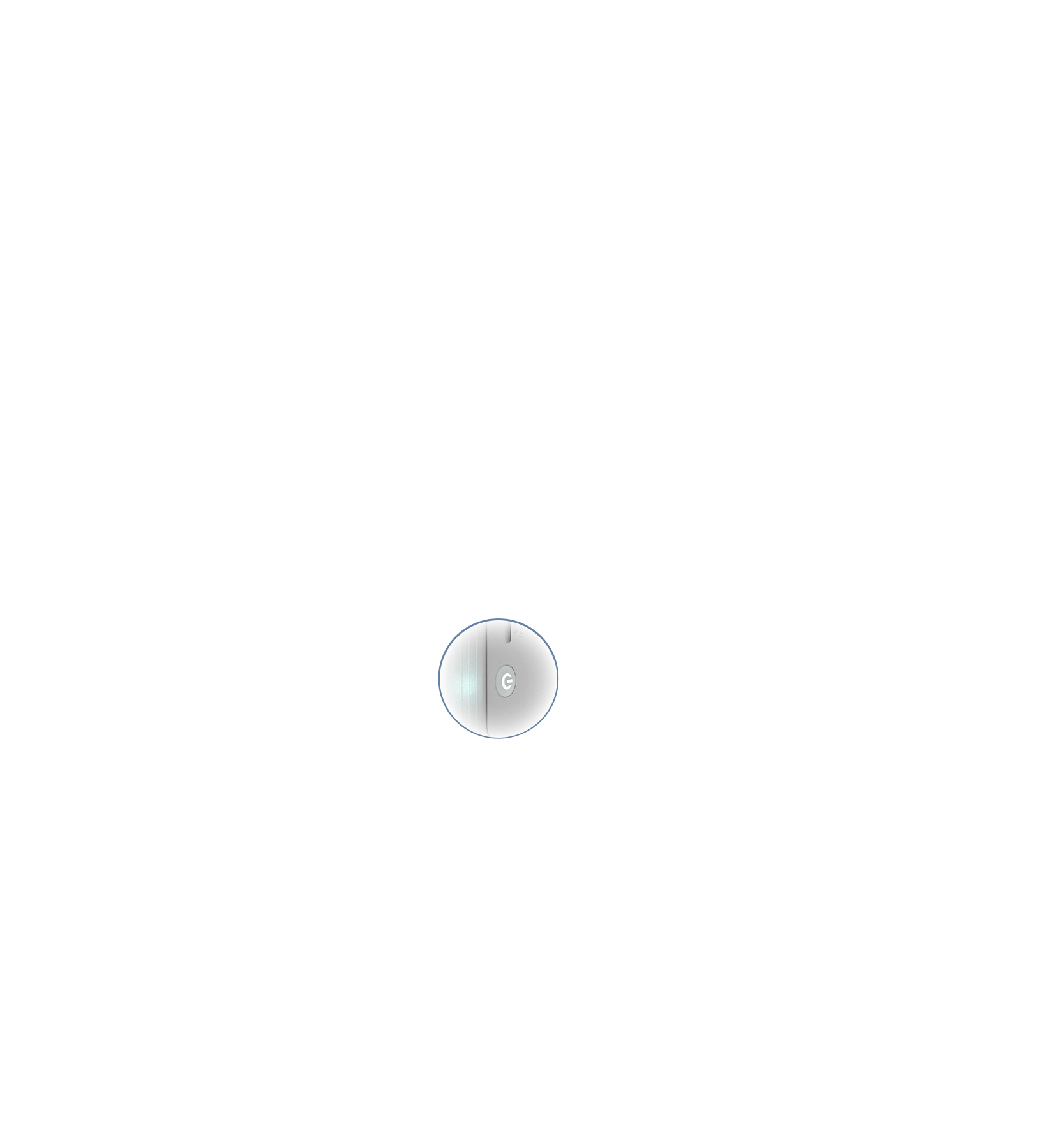


MSI Power Link Support
Fitur MSI Power Link dengan HDMI™ CEC memungkinkan mini-PC dinyalakan melalui tombol pada monitor, sehingga meningkatkan efisiensi dan pengalaman pengguna.

EyesErgo Tech, Pelindung Kesehatan Anda
MSI Eye Care Technology


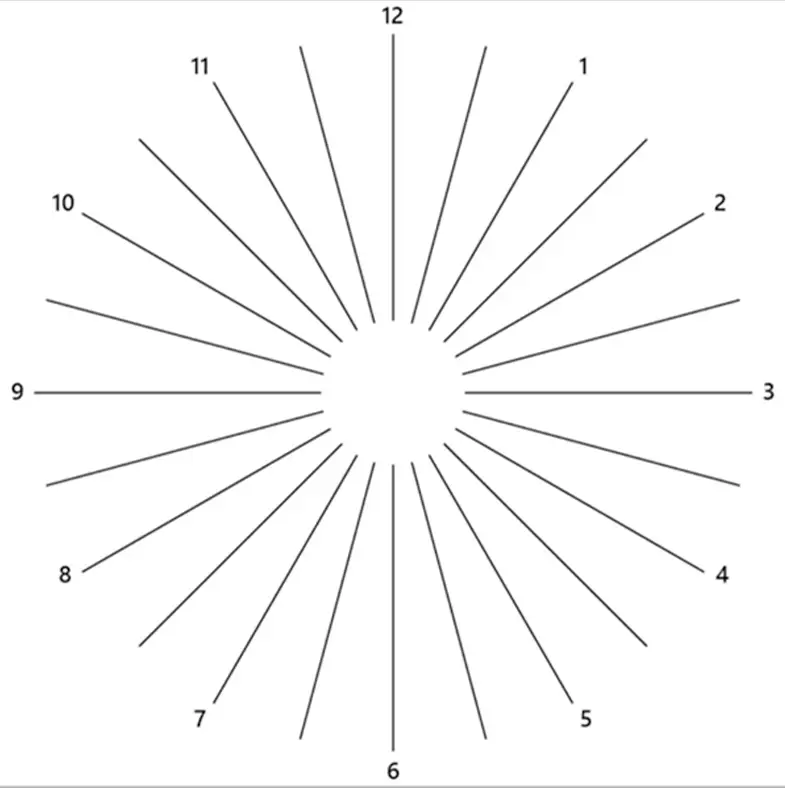

Astigmatism
Untuk mengujinya, tutupi mata kiri Anda dengan tangan kiri dan perhatikan gambar tersebut dengan saksama, lalu lakukan hal yang sama pada mata kanan Anda. MSI menyarankan Anda untuk beristirahat selama 20 menit jika ada beberapa garis yang tampak lebih abu-abu daripada yang lain.


Amsler Grid
MSI menyarankan Anda untuk beristirahat selama 20 menit jika ada garis dalam kisi-kisi yang tampak bergelombang, kabur, atau terdistorsi; atau jika ada kotak dalam kisi-kisi yang tidak berbentuk persegi atau tidak berukuran sama.
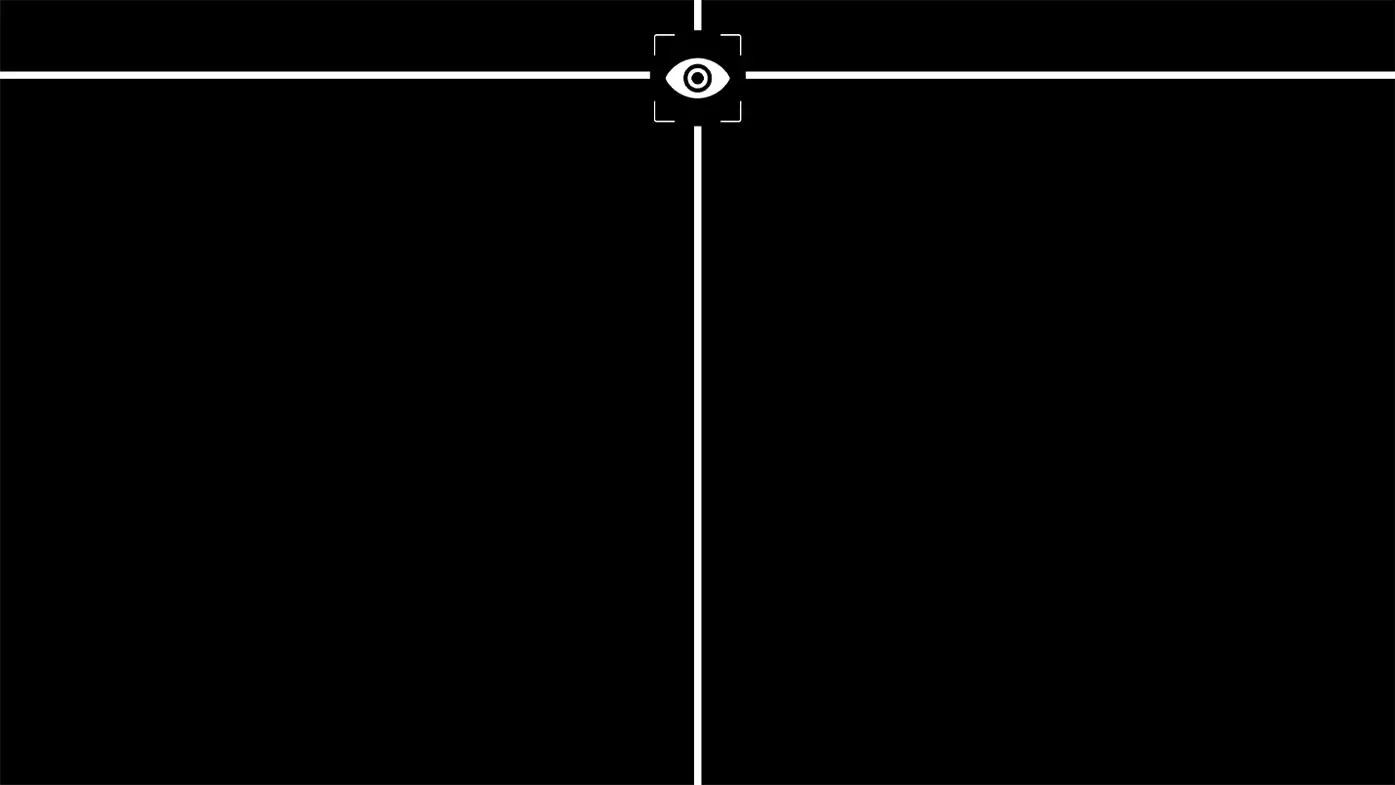
Posture Correction
MSI menyarankan Anda untuk duduk tegak dan menyesuaikan posisi mata pada sepersembilan dari tepi atas layar. Postur duduk yang baik dapat secara efektif mencegah nyeri leher dan bahu.
Ergonomis untuk
All-Day Productivity
Bekerja dalam posisi yang tepat tidak hanya berdampak positif terhadap kepuasan kerja dan produktivitas, tetapi juga dapat berkontribusi pada kesehatan dan kesejahteraan secara keseluruhan.


Nikmati Visual yang Memukau
dengan HDR Ready
Teknologi HDR Ready menghadirkan warna yang lebih kaya, kontras yang lebih dalam, dan detail yang hidup untuk pengalaman menonton yang seolah-olah nyata. Baik untuk bekerja, menonton film, maupun bermain game, teknologi ini meningkatkan performa layar ke tingkat yang lebih tinggi.


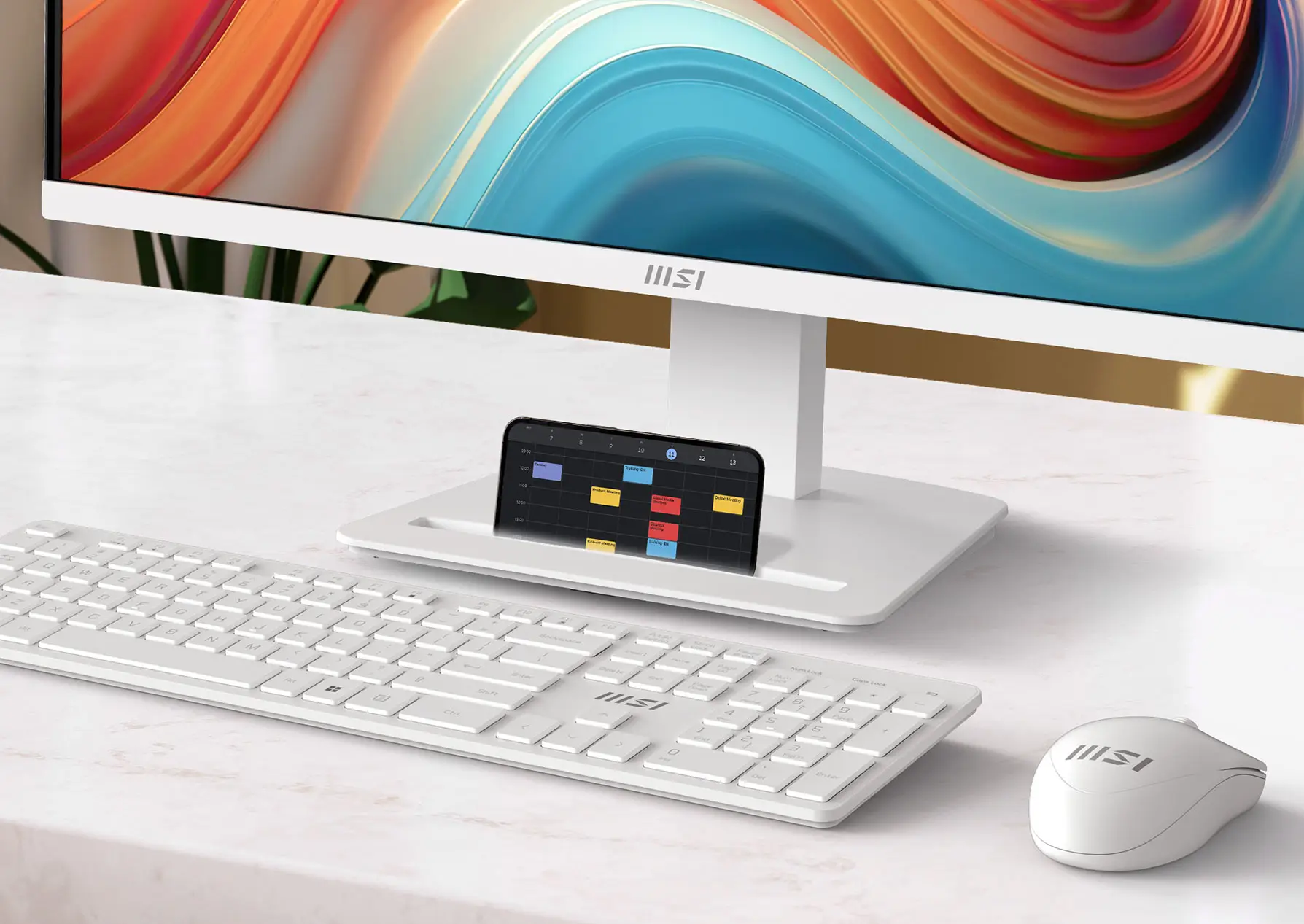
Accessory Slot Design
Slot aksesori ini menyediakan tempat penyimpanan yang praktis untuk perangkat tambahan berukuran kecil, sehingga ruang kerja Anda tetap teratur dan bebas dari kekacauan. Cocok untuk kabel, adaptor, atau perlengkapan penting lainnya, slot ini meningkatkan efisiensi dan menjaga lingkungan kerja tetap rapi.
Firmware Update
PRO MP273QW E14 dapat memperbarui firmware melalui konektor DP, yang sederhana dan mudah digunakan. Hal ini memungkinkan pengguna untuk memperbarui firmware sendiri kapan saja saat versi terbaru dirilis oleh MSI. Hal ini memastikan bahwa layar selalu berada dalam kondisi yang dioptimalkan secara maksimal.


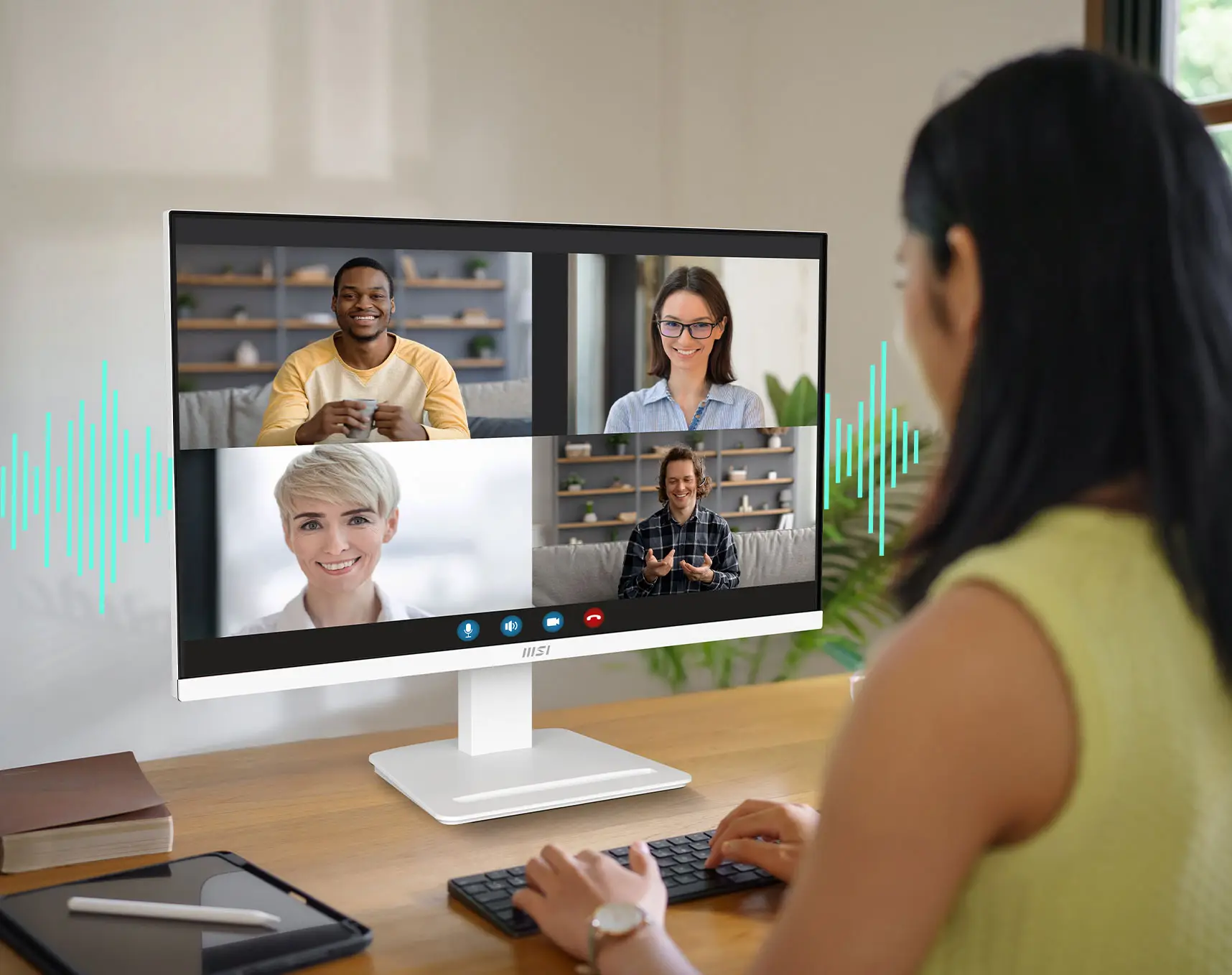
Built-in Speakers
Nikmati suara yang jernih dan bertenaga berkat speaker bawaan, yang memperkaya pengalaman multimedia Anda tanpa membuat ruang kerja Anda berantakan.

Simplicity At Your Fingertips - Display Kit App
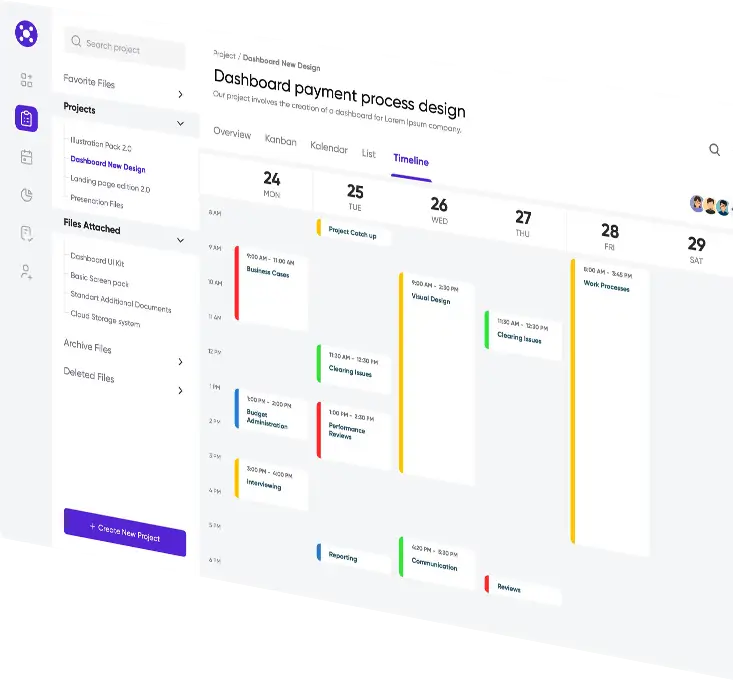
Perangkat lunak eksklusif MSI, Display Kit, menyediakan alat yang paling praktis, pengaturan tampilan yang tepat sehingga Anda dapat membaca dan menikmati gambar secara bersamaan, serta mode warna yang sesuai untuk Anda saat bekerja maupun dalam aktivitas sehari-hari.





Produk Hemat Daya
Merupakan tanggung jawab kami untuk mempromosikan pembangunan berkelanjutan dan kami dengan bangga menawarkan produk ramah lingkungan, yang berkontribusi pada lingkungan yang lebih hijau.


Sustainable Packing Solutions
Kurangi dampak lingkungan dengan solusi berkelanjutan kami.
Kesederhanaan di Ujung Jari Anda - Display Kit App
Perangkat lunak eksklusif MSI, Display Kit, menyediakan alat yang paling praktis, pengaturan tampilan yang tepat sehingga Anda dapat membaca dan menikmati gambar secara bersamaan, serta mode warna yang sesuai untuk Anda saat bekerja maupun dalam aktivitas sehari-hari.

PRO MP273QW E14
- Panel Size27"
- Panel TypeIPS
- Aspect Ratio16:9
- Panel Resolution2560 x 1440 (WQHD)
- Refresh Rate144Hz
- Response Time1ms (MPRT)
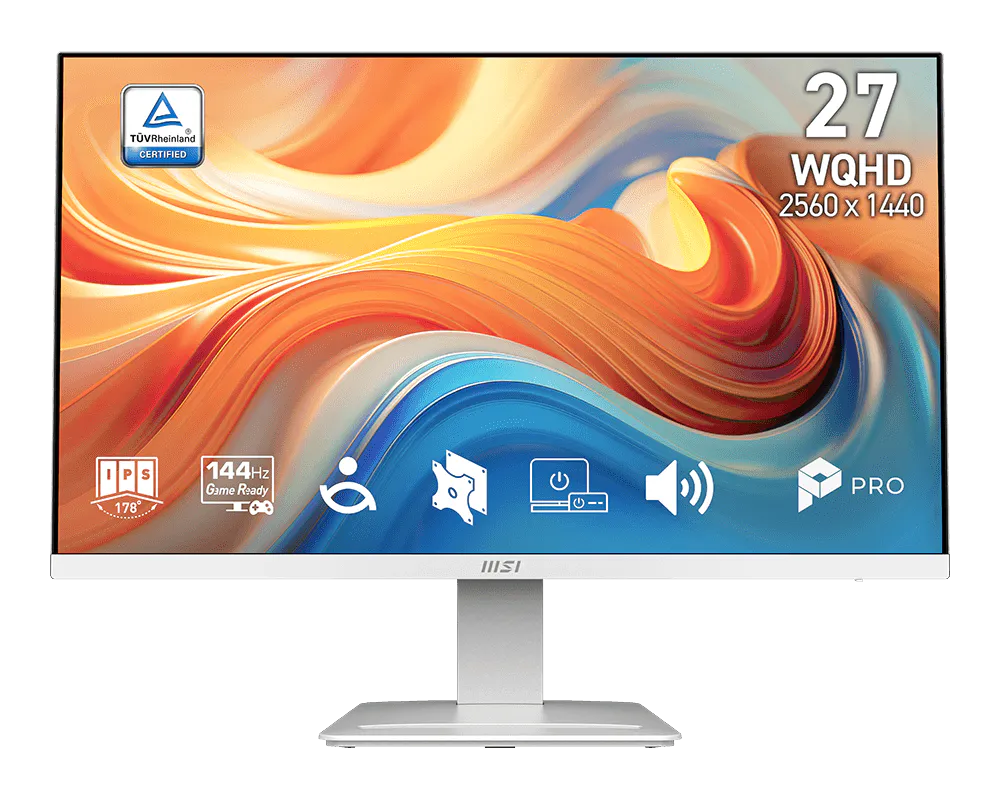
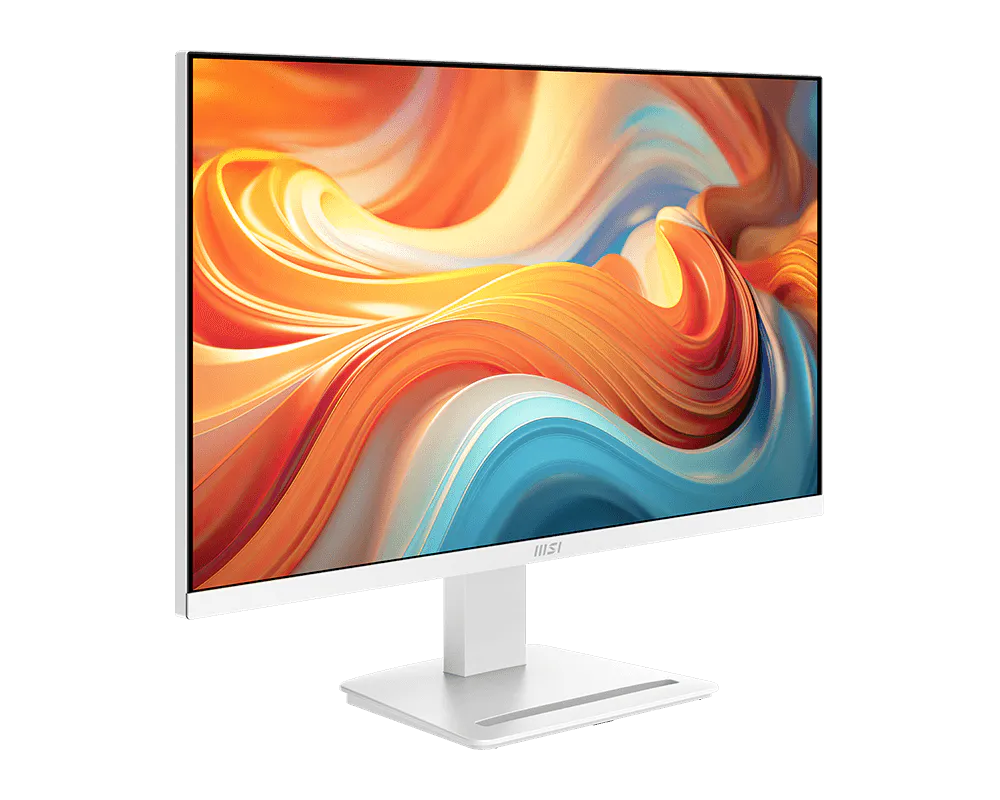
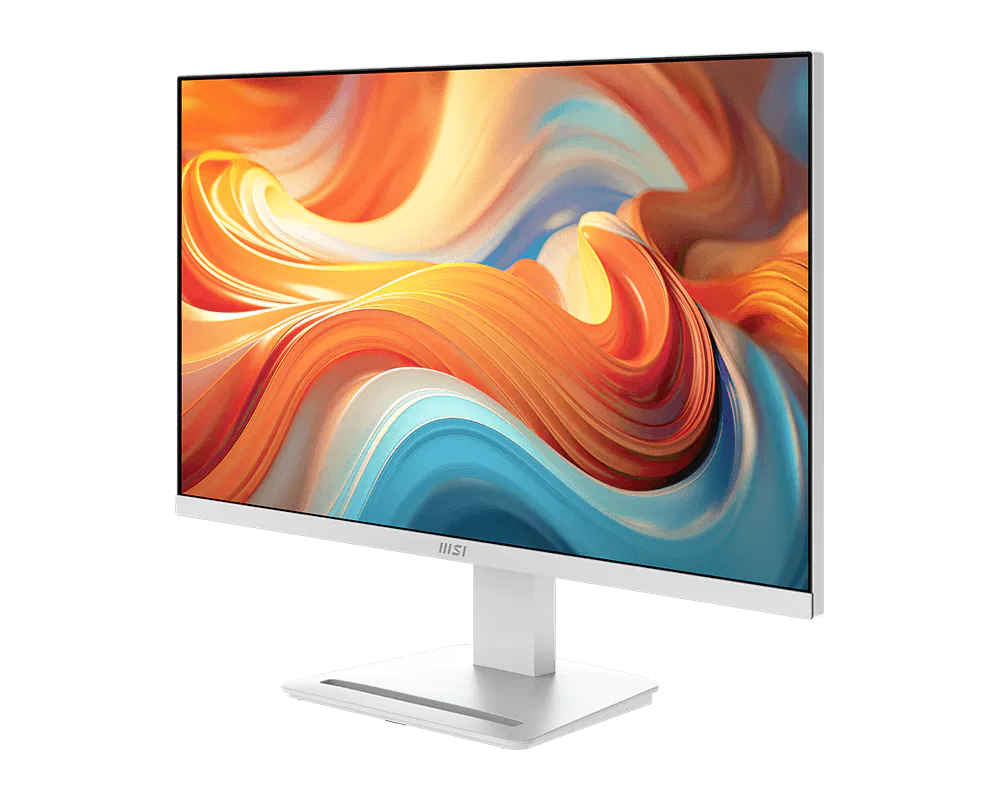
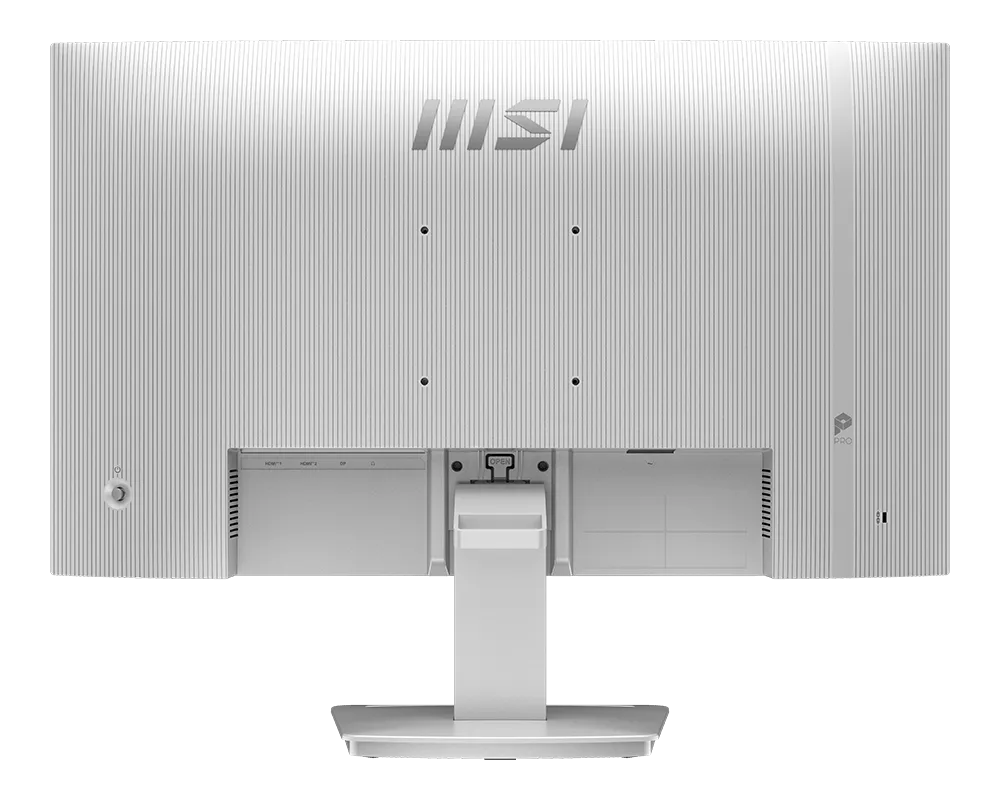
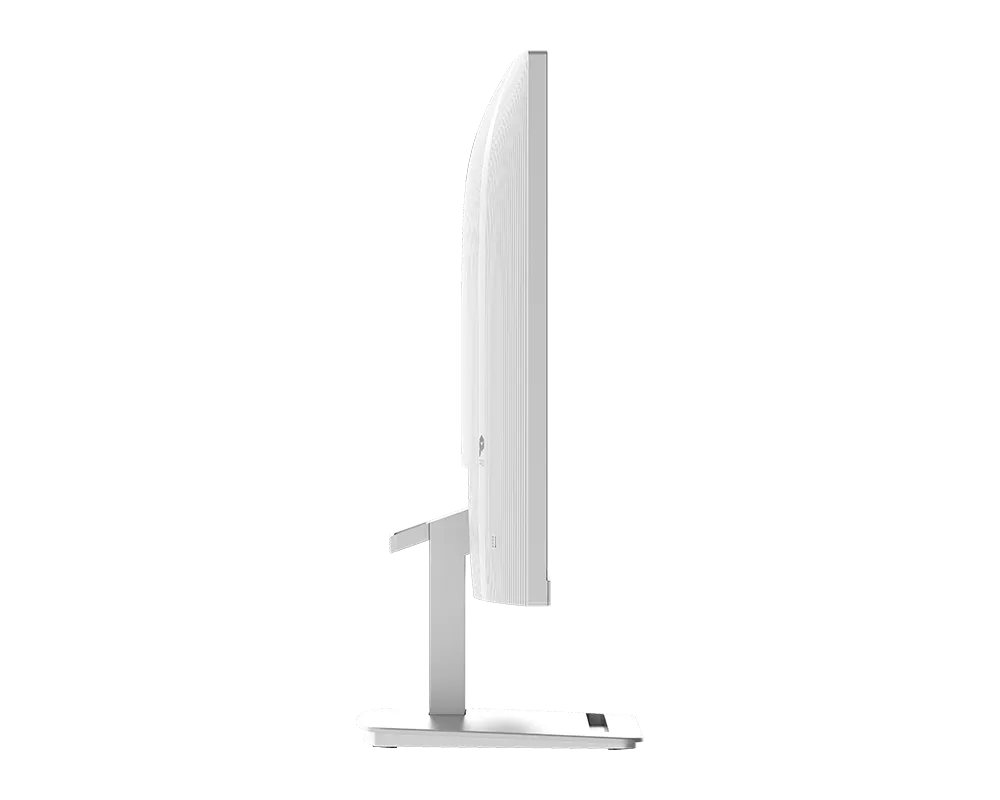
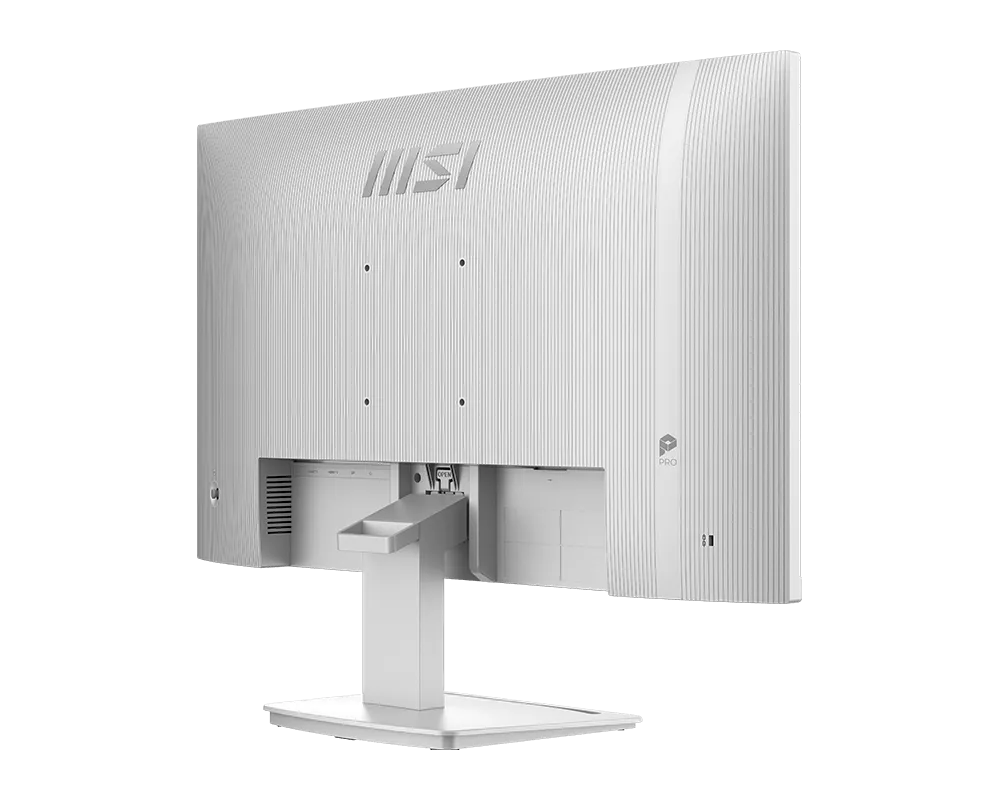
PRO MP273QW E14
- Nikmati hiburan berkualitas tinggi dengan refresh rate tinggi 144Hz yang lebih lancar.
- Layar bersertifikasi TÜV menjamin perlindungan dan kesehatan penglihatan.
- Teknologi MSI EyesErgo yang dilengkapi dengan teknologi Anti-Flicker membantu mencegah ketegangan dan kelelahan mata.
- MSI Eye-Q Check membantu Anda melakukan pemeriksaan mata sendiri dan mengingatkan Anda untuk beristirahat saat menggunakan monitor dalam waktu lama.
- Jaga fleksibilitas di berbagai perangkat dengan memanfaatkan beberapa sumber masukan, seperti port HDMI™ dan DP.
- Nikmati lingkungan yang paling rapi berkat desain pengaturan kabel yang praktis dan dapat dilepas.
- Desain yang kompatibel dengan dudukan VESA standar dan dilengkapi slot aksesori.

Semua gambar dan deskripsi hanya sebagai ilustrasi saja. Spesifikasi poduk, fungsi, dan tampilan dapat berbeda bedasar CPU dan Chipset yang berbeda. Untuk spesifikasi yang lebih detil, silahkan periksa halaman spesifikasi produk.
Istilah HDMI™, HDMI™ High-Definition Multimedia Interface, desain Dagang HDMI™, dan Logo HDMI™ adalah merek dagang atau merek dagang terdaftar HDMI™ Licensing Administrator, Inc.